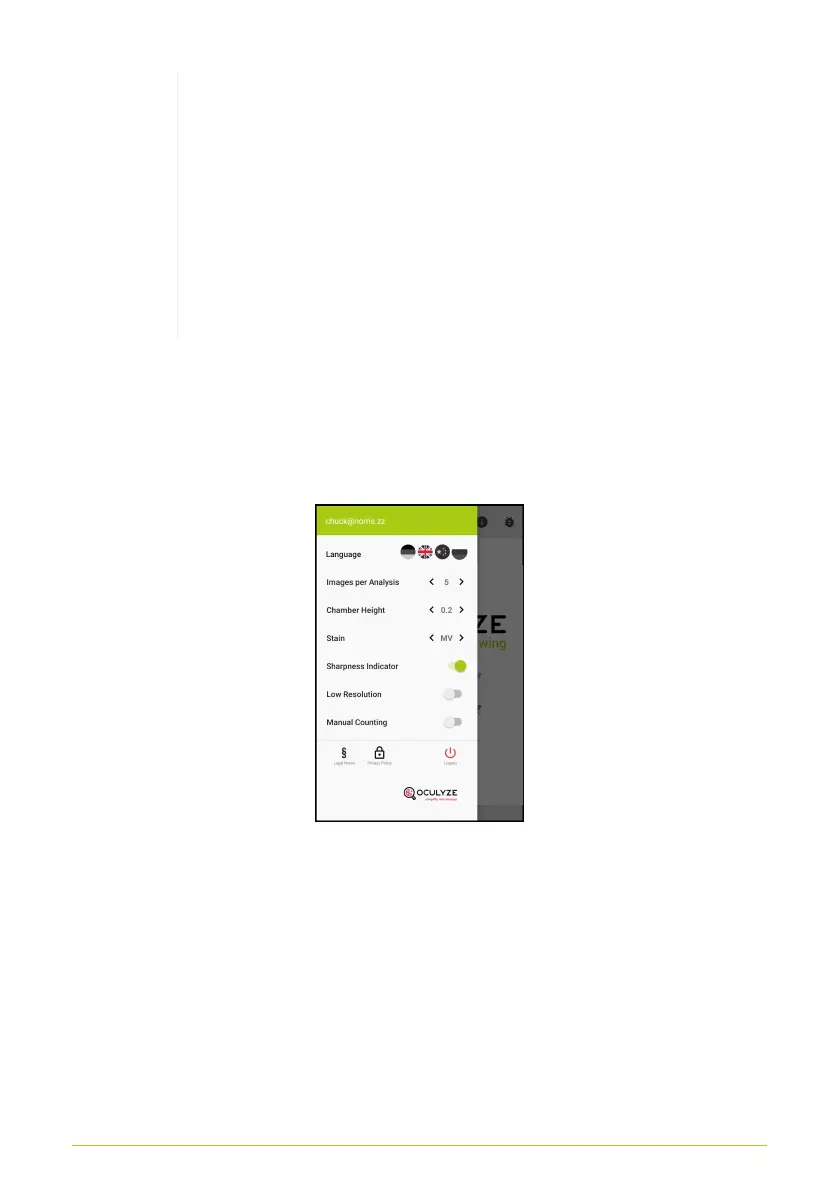
After you have captured the image, a separate
window will automatically open, where you can
count the cells by hand. You will repeat this step
for each image. Automatic analysis will not be
conducted. All results will be saved in the Cloud,
just as they would with the automated analysis.
Please refer to Manual Counting to see how the
process differs from the automated analysis.
• View "Legal Notes" or "Privacy Policy"
• Start the tutorial
• Logout from the App
Figure 13. Settings Screen
Recording images
After the measurement has begun, a live image of the front
camera will be displayed. If this image is blurry, the sample must
be focused by turning the knob on the hardware (Fig. 14). You
should see a clear image of the cells in the middle of the screen
before taking a picture (Fig. 15).
15



 To Next Page