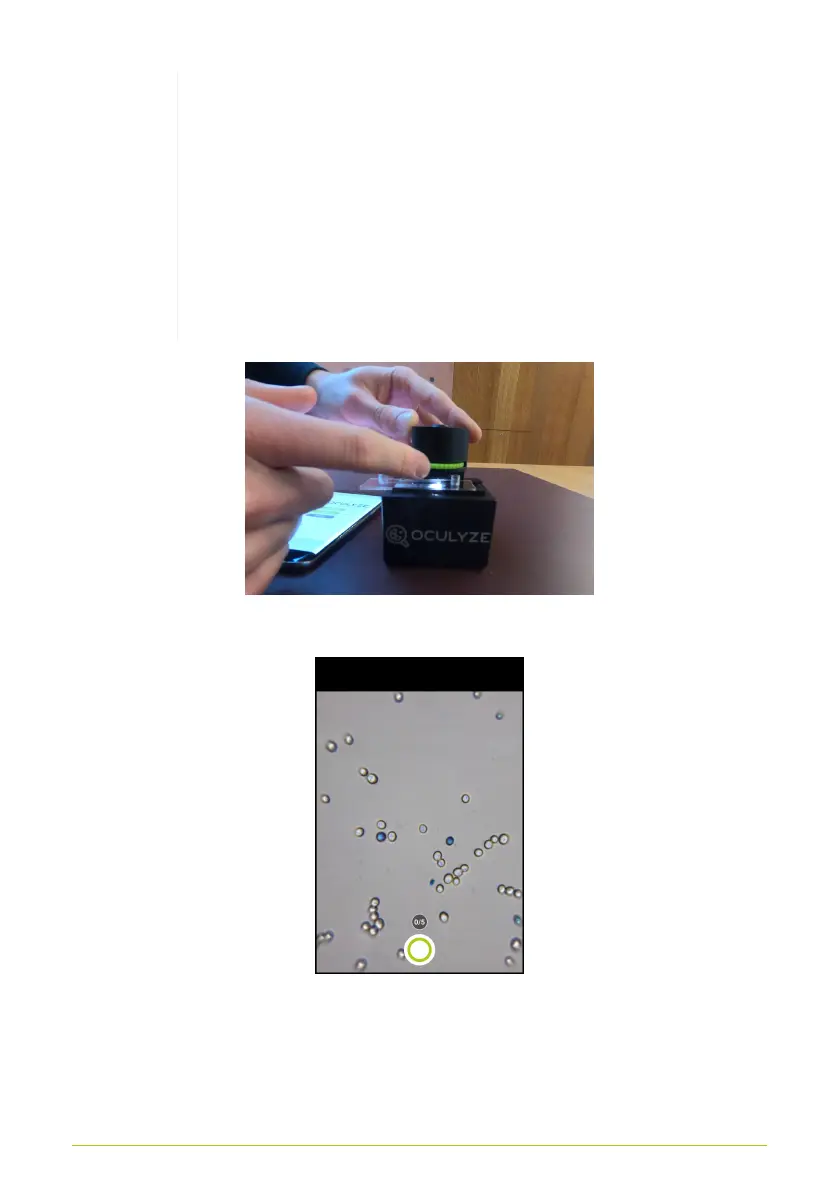
Adjusting the focusing knob to apply light pressure
to the sample chamber is enough to bring the cells
into focus to see them clearly. When using a new
device a little bit more pressure is needed, since
the pads for the chamber fixing compress with
repeated usage. Screwing it on too tightly will lead
to blurry pictures and possibly damage the sample
chamber or even the device itself.
Figure 14. Focusing the device
Figure 15. Cells in focus (center) in the app
16



 To Next Page