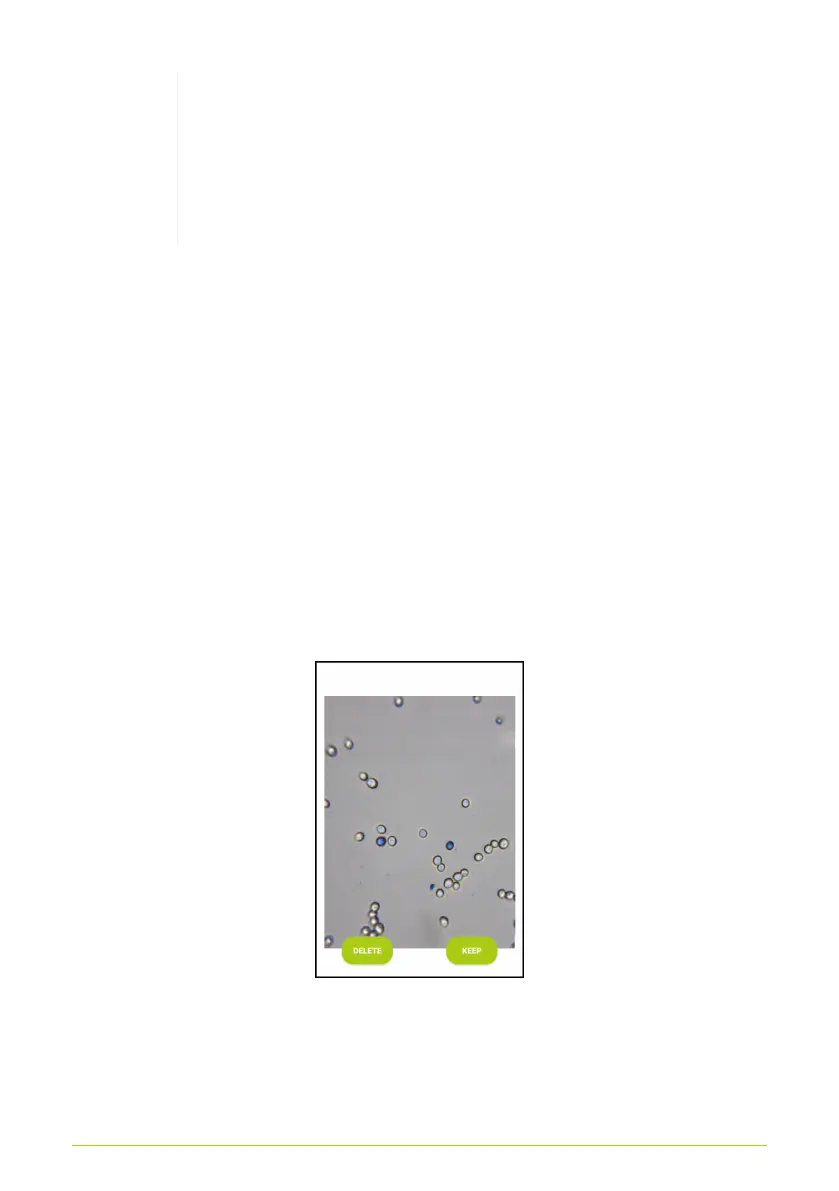
The screenshots in this handbook always show the
measurement of a methylene blue stained sample
on which living-dead analysis is being performed.
The dead cells are stained blue, while the living
cells appear transparent.
Pictures can be taken using the green and white button. The
counter above the button shows how many pictures have been
taken.
After the picture is taken, that picture will be displayed on your
screen. Using the “Delete” and “Keep” buttons, the user may
decide whether to dispose of the picture or to keep it for analysis
(Fig. 16). The app also performs an initial automated quality
check of the image. If the image contains far too much yeast or is
significantly blurry, a message will be displayed, and the “Keep”
button will be greyed out. In this case, you must delete the image
using the “Delete” button.
Figure 16. Options for an image taken
A total of 5 images must be taken per analysis. The sample
chamber must be moved somewhat between each image so that
17



 To Next Page