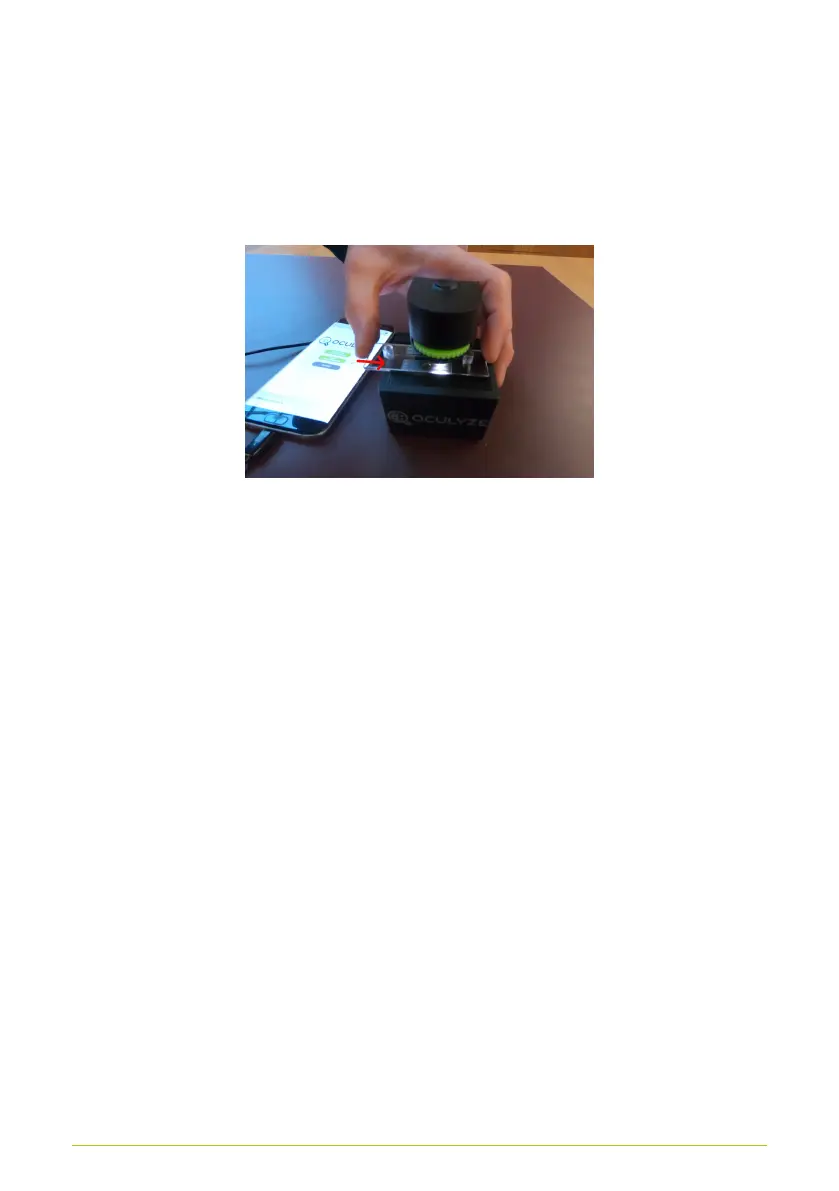
different cells can be recorded. To do so, you must push the
chamber to the next marking after each image is taken (Fig. 17).
You may also have to use the screw to slightly re-adjust the
focus. Should an image be discarded, a replacement image must
be recorded.
Figure 17. Adjusting the sample chamber
In summary - to take pictures for the analysis, the following
steps are performed:
• Adjust the hardware’s turning knob until cells are displayed
clearly
• 5X:
1. Push the chamber into the appropriate position
2. Adjust the focus, if necessary
3. Take a picture
4. Use the "Keep" button to confirm the picture for
analysis
Entering sample data
After the images have been recorded, further information for
analysis can be entered (Fig. 18).
18



 To Next Page