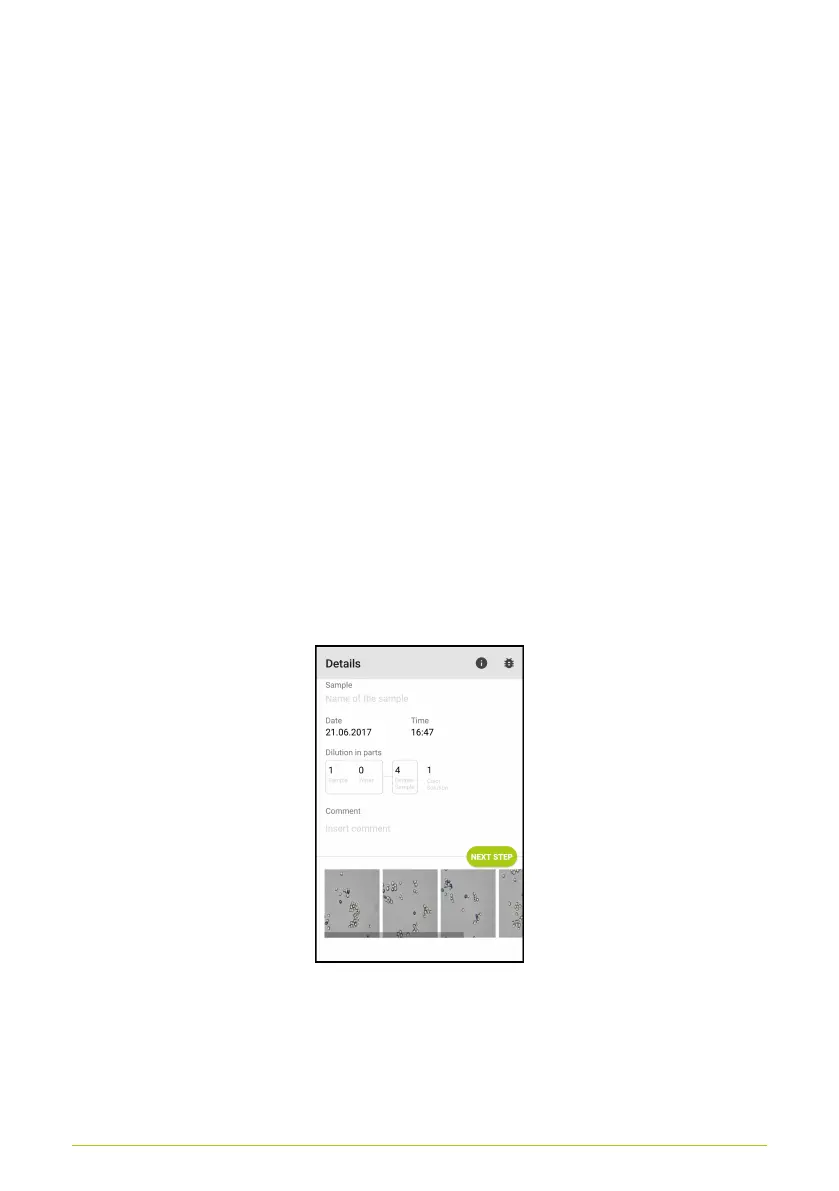
• In the “Sample” field, enter a name for the sample.
• Date and time of analysis are automatically entered by the
app, when the analysis is started.
• Under “Dilution in Parts,” you can enter any dilutions used.
These will then be used in determining concentration. Thus
it is important that the information entered here matches
the dilutions performed
• For the samples stained with methylene blue or methylene
violet, you must also enter the sample’s mix ratio of coloring
agent (in parts), as this must also be considered when
determining concentration.
If only the concentration measurement is performed, these
fields will not be displayed.
• In the “Comment” section, you can include additional
comments. These can be useful when reviewing
measurements later.
Figure 18. Entering details
19



 To Next Page