As a result, the amount of yeast to be used is expressed in liters.
If more than 10% of the total volume is accounted for by the
yeast, a warning appears and the total volume in hectoliters is
also displayed.
Previous results
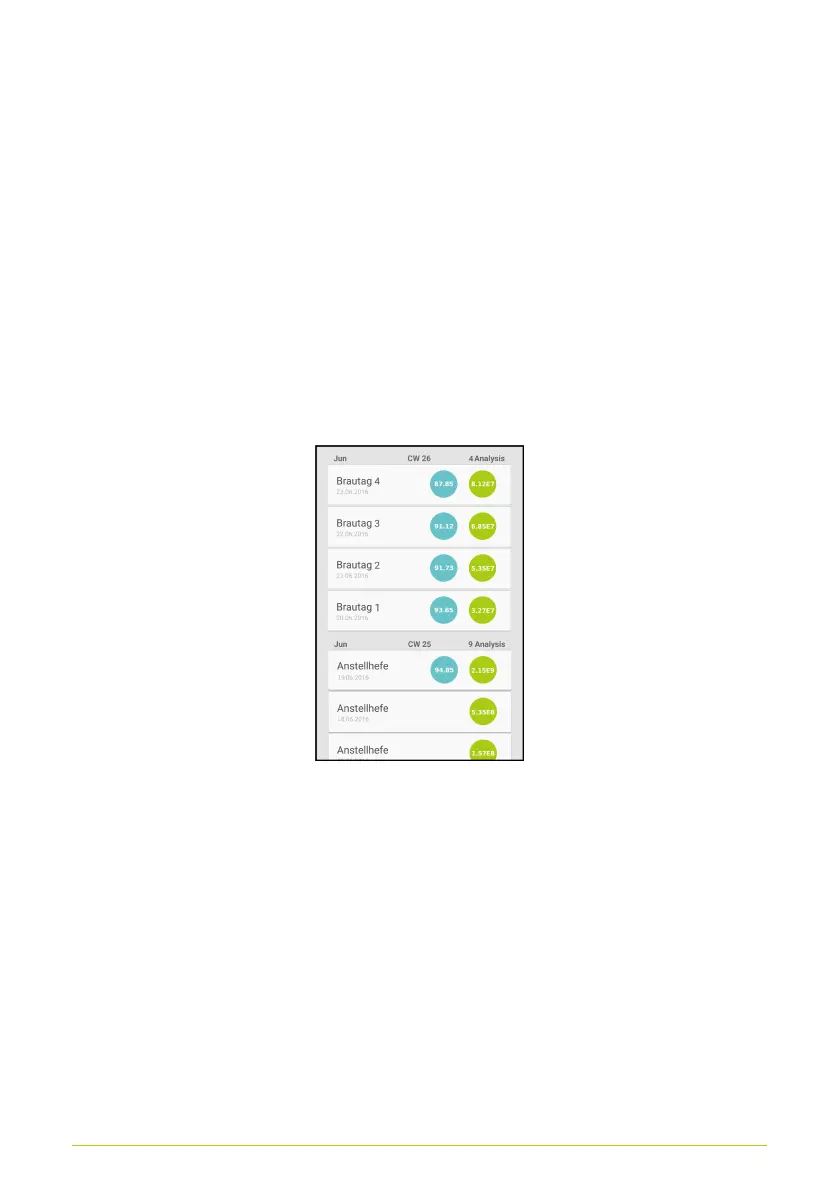
The result history can be selected from the starting screen (Fig.
12) by selecting the “History” button. Here, the results of previous
measurements can be viewed (Fig. 23). To open a detailed
display of individual results, simply select them from this screen.
Figure 23. Results history
Manual Counting
Starting the Measurement
After you have selected the manual count option in your menu
settings, the layout of the screen will look a little bit different from
the automated analysis home screen. Click on “Manual Counting”
to start your measurements and click “History” to view your
26



 To Next Page