To get the dilution as previously shown in the
handbook, you would have to enter 1 part sample
and 99 parts water.
“0” parts water means that the sample was not
diluted before staining.
By pressing the “Next Step” button, cloud analysis is initiated.
Cloud analysis
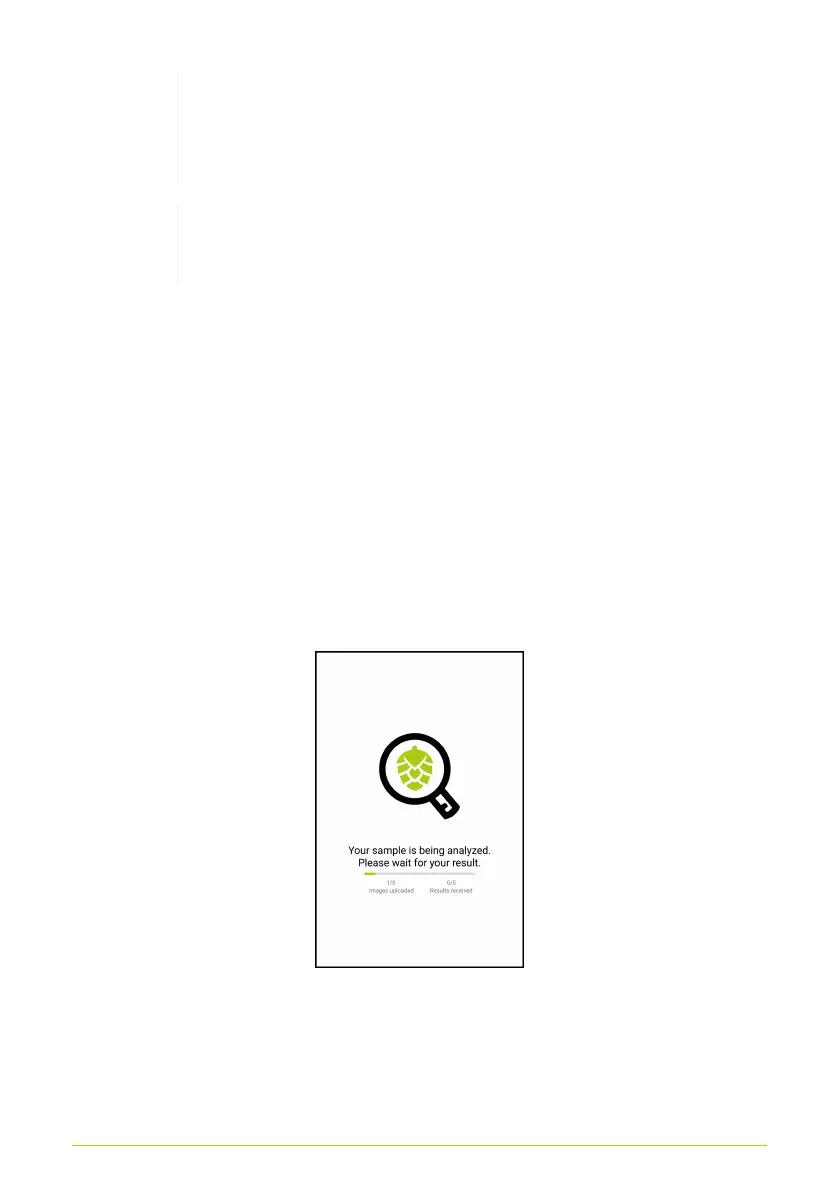
After entering sample data, the images are sent to the cloud for
automatic analysis. A status screen will appear until the analysis
is finished (Fig. 19). Depending on the data network, this can
take anywhere between a fraction of a second to several minutes.
The loading bar shows how many images have been sent to the
server and how many have already been analyzed.
Figure 19. Status screen
20



 To Next Page