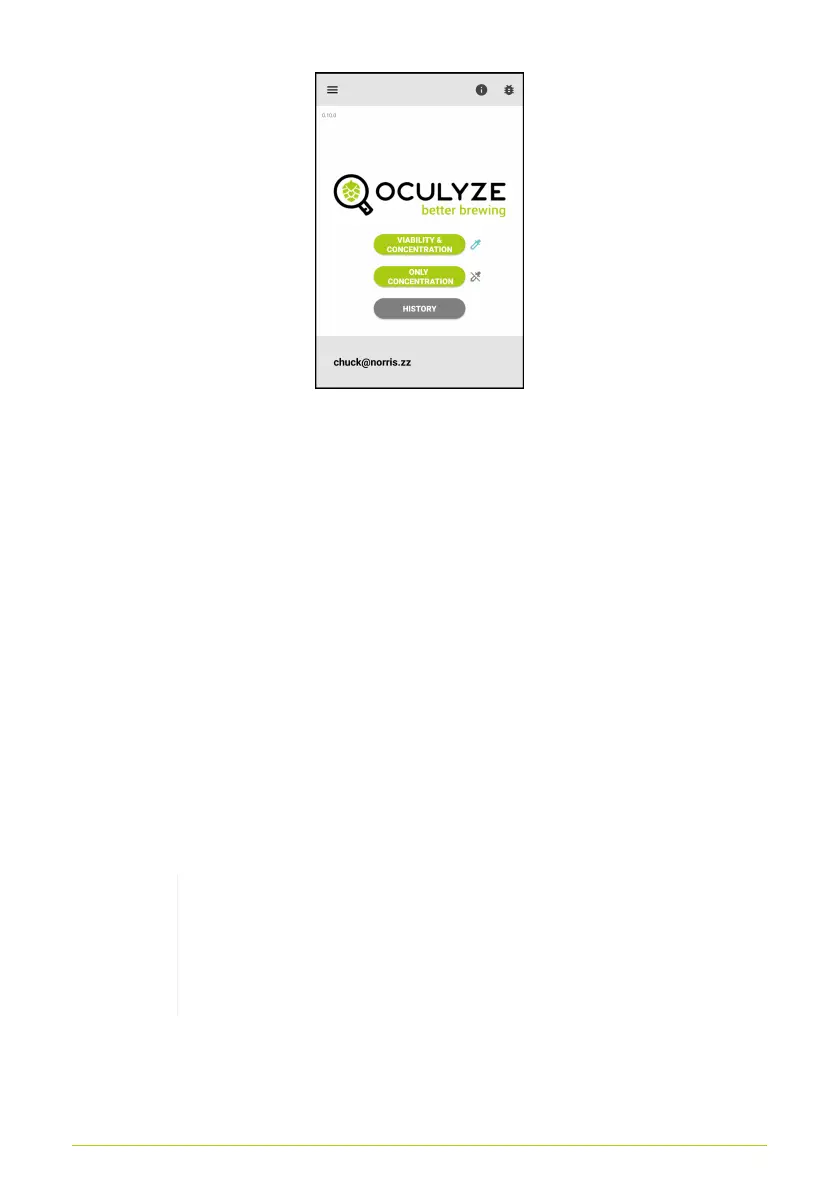
Figure 12. Method selection
At the top right of the screen there is also a button which gives
you access to the app settings screen.
App Settings
The settings screen (Fig. 13) lets you adjust various parameters
of the app:
• Switch between German, English or Chinese language
• Change the amount of images per measurement
(5 recommended)
• Change the height of the sample-chamber in use
The selected chamber height has to correspond to
the chamber in use! If you are unsure, you can find
the correct height etched into your chamber (either
0.1, 0.2 or 0.8)
• The on/off switch for the sharpness indicator which is visible
during the image taking process on the bottom left hand
13



 To Next Page