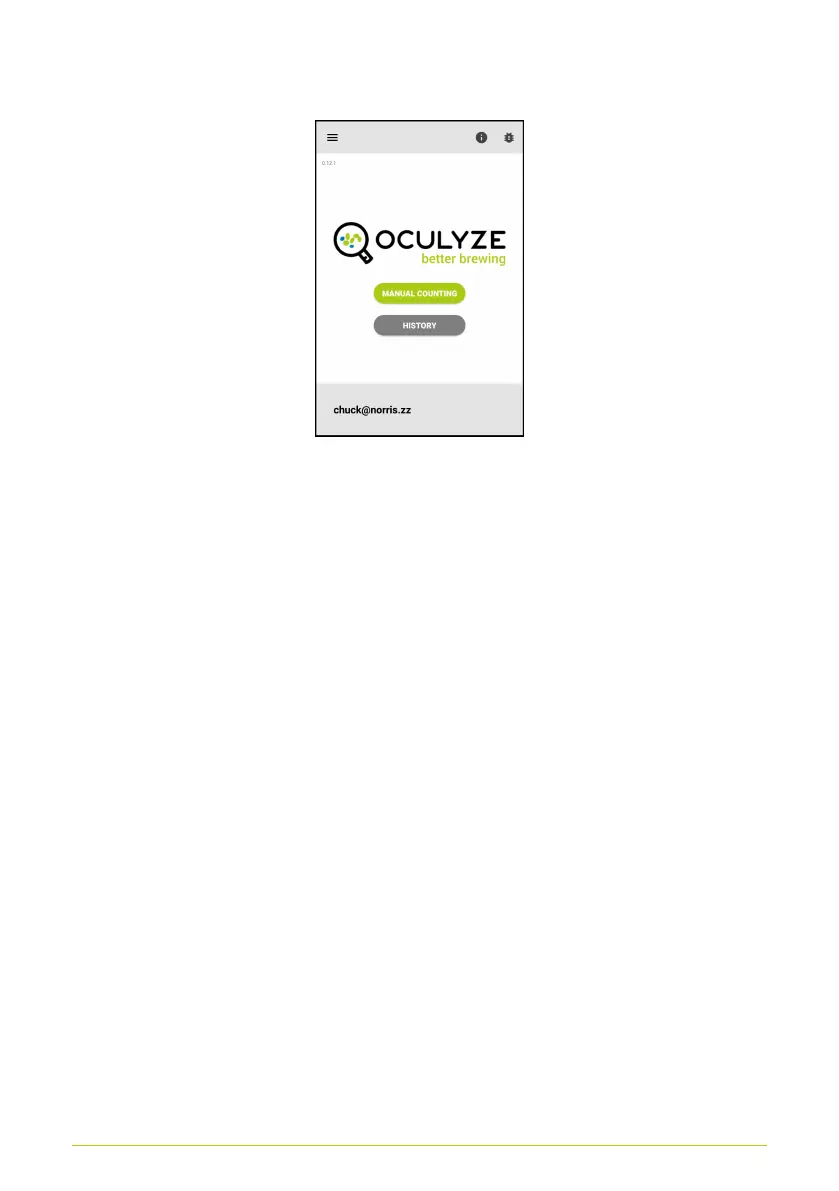
previous results (Fig. 24).
Figure 24. Home screen for the manual analysis
Counting the Cells
After the image is captured (see Recording images), an
additional screen will appear with a counting grid that is shown
on top of the captured image. This is meant to mimic a
hemocytometer/Thoma Chamber counting grid, to help guide you
with your manual counting. Each click of the “DEAD” button
counts for one dead cell that you see, each click of the “ALIVE”
button counts for one living cell that you see. Holding either of the
buttons down (not just a click) will reduce the count. This is
especially useful if you have accidentally clicked on either button
too many times.
The following points are important to note when manually
counting cells:
• You should count all cells that meet the following criteria:
¬ They are within the counting grid circle and do not
touch the red parts of the circle.
27



 To Next Page