Quick Start
Color EditorGeneral InformationQuick StartMain ScreenInstallationIntroductionTable of Contents
Mini Magic Box - Design Card Converter
Software Manual
100
Quick Start Lesson 3
This lesson will demonstrate how to Load designs from a pre-
programmed design card by using the Index function. It will also
demonstrate how to Write the designs to a Magic Card.
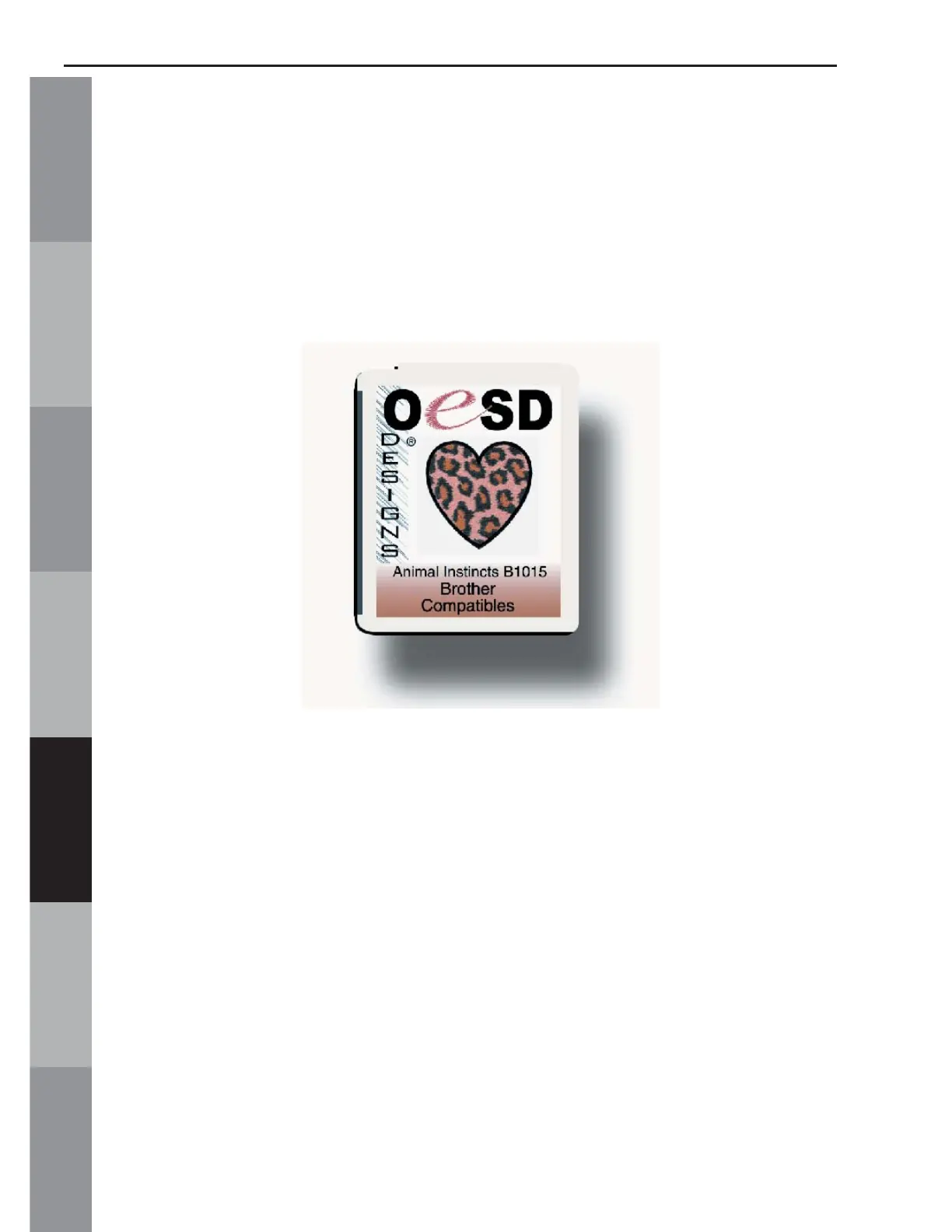
In this lesson will use OESD’s “Animal Instincts” Premium Design
Card.*
Notes:
• Designs can also be Loaded from a Magic Card once designs have been written to that
Magic Card.
• All clicks of the mouse are LEFT clicks unless otherwise noted as right clicks.
1. Launch the Magic Box program:
Double click the Magic Box icon on the Desktop or
• Click on Start
• Go to Programs
• Go to OESD
• Click Magic Box



 To Next Page