Quick Start
Table of ContentsIntroductionInstallationMain ScreenQuick StartGeneral InformationColor Editor
Mini Magic Box - Design Card Converter
Software Manual
99
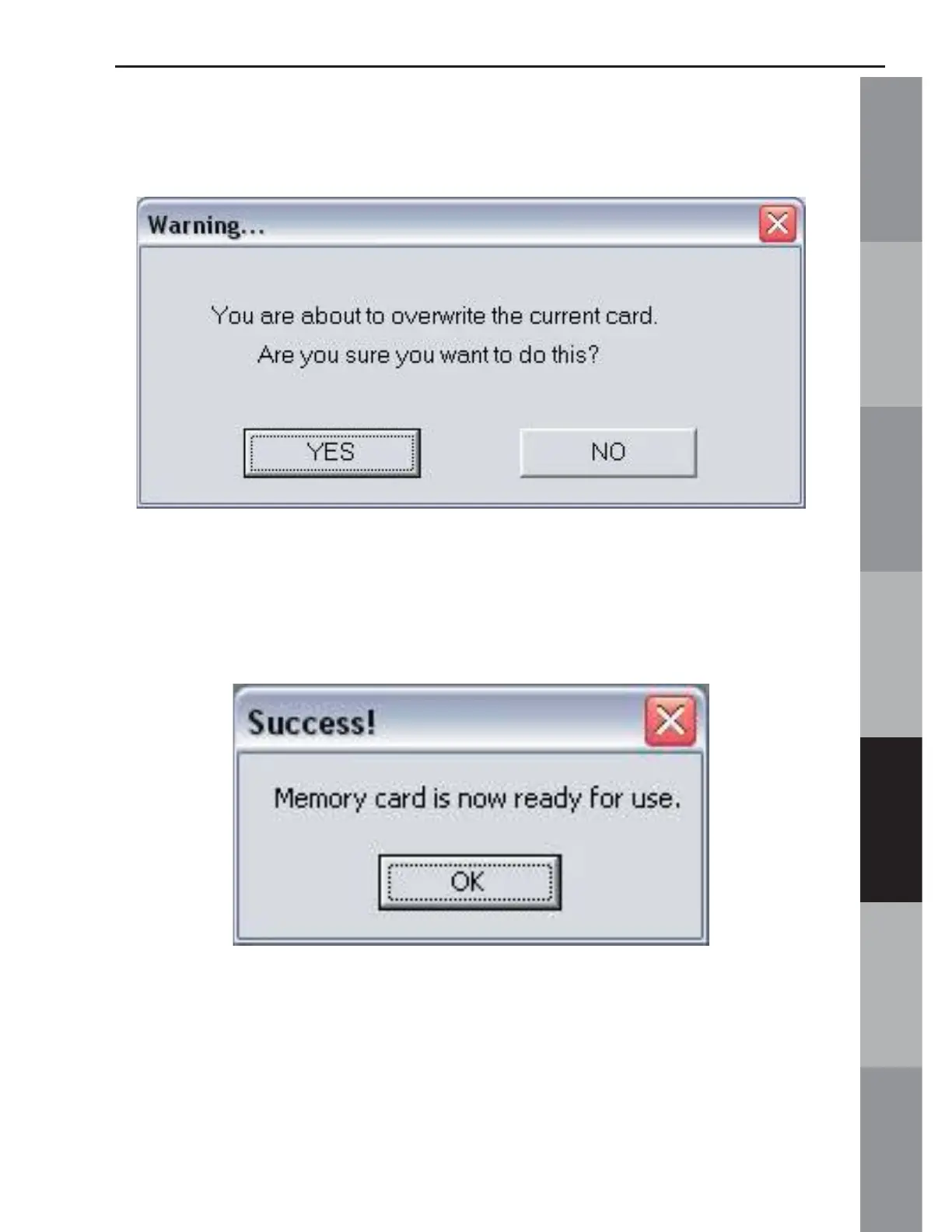
15. A Warning Box will appear, explaining that the card will be
erased. Click Yes.
16. The Writing Block dialog box will appear. After writing
is complete, the “Success” dialog window will be displayed,
indicating that the card is ready for use. Click OK.
The Magic Card is now ready for use in the embroidery machine.



 To Next Page