Quick Start
Color EditorGeneral InformationQuick StartMain ScreenInstallationIntroductionTable of Contents
Mini Magic Box - Design Card Converter
Software Manual
98
Warning: Some embroidery design cards can be erased or overwritten. Always remove any
design cards before writing to a Magic Card.
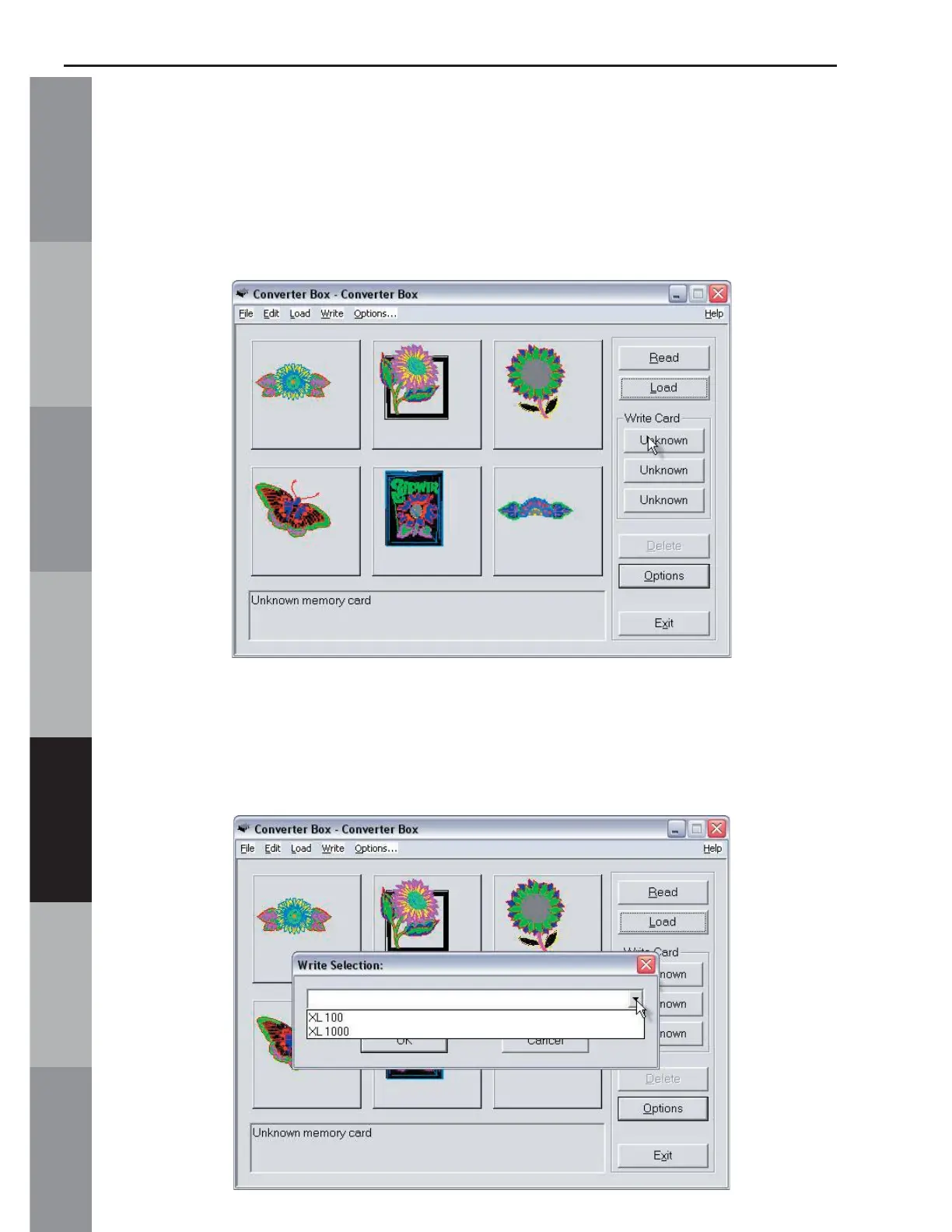
13. Click any of the “Unknown” buttons under the Write Card
section of the Converter Box window.
14. The Write Selection window will open. Click the drop down
menu and choose the machine this card is being written for. Click
OK to accept this machine.



 To Next Page