Quick Start
Color EditorGeneral InformationQuick StartMain ScreenInstallationIntroductionTable of Contents
Mini Magic Box - Design Card Converter
Software Manual
110
8. Remove the design card from the Magic Box. Open the
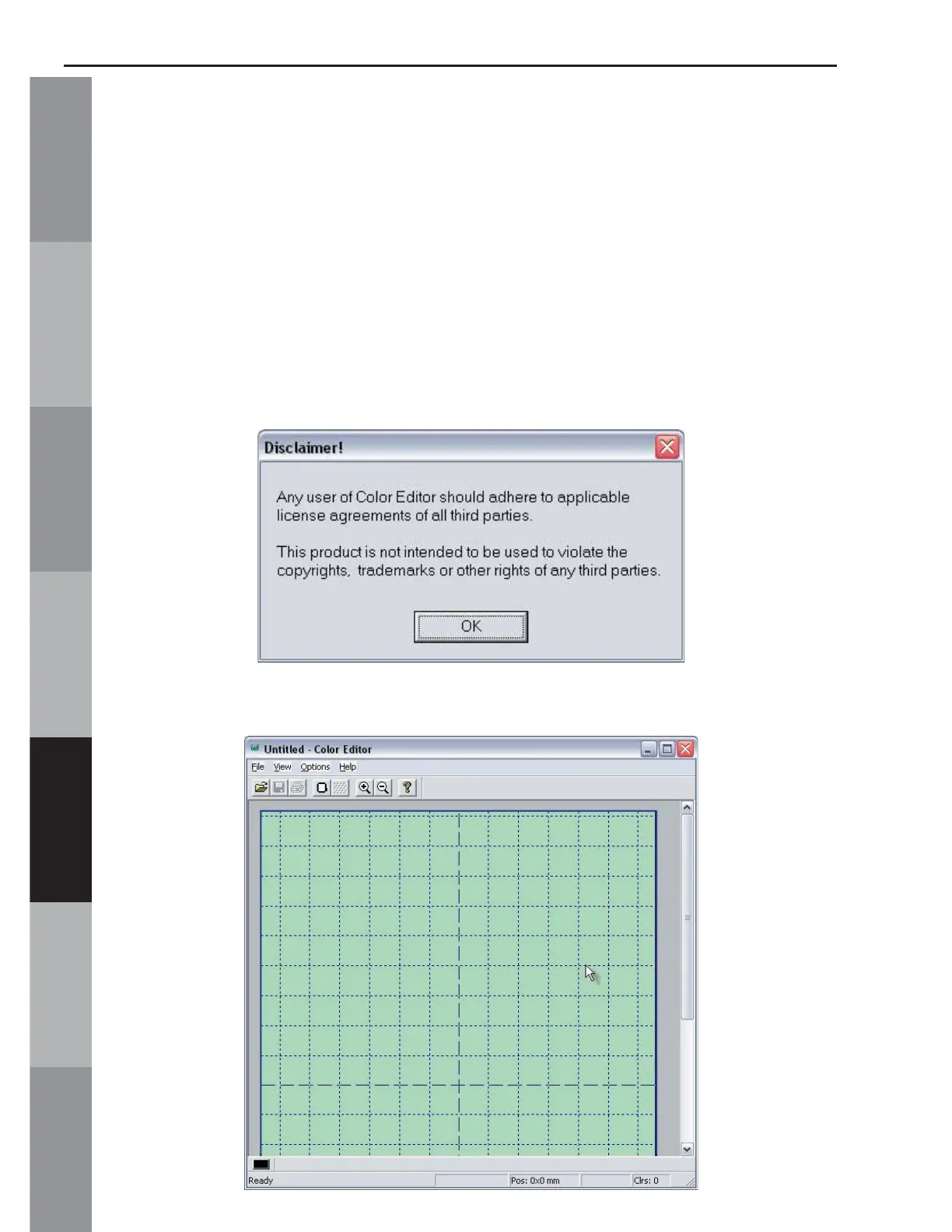
Color Editor program:
Double click the Color Editor icon on the Desktop or
• Click Start
• Go to Programs
• Go to OESD
• Click Color Editor
9. The License box appears. Click OK
10. The Color Editor’s Main Screen opens.



 To Next Page