Quick Start
Table of ContentsIntroductionInstallationMain ScreenQuick StartGeneral InformationColor Editor
Mini Magic Box - Design Card Converter
Software Manual
109
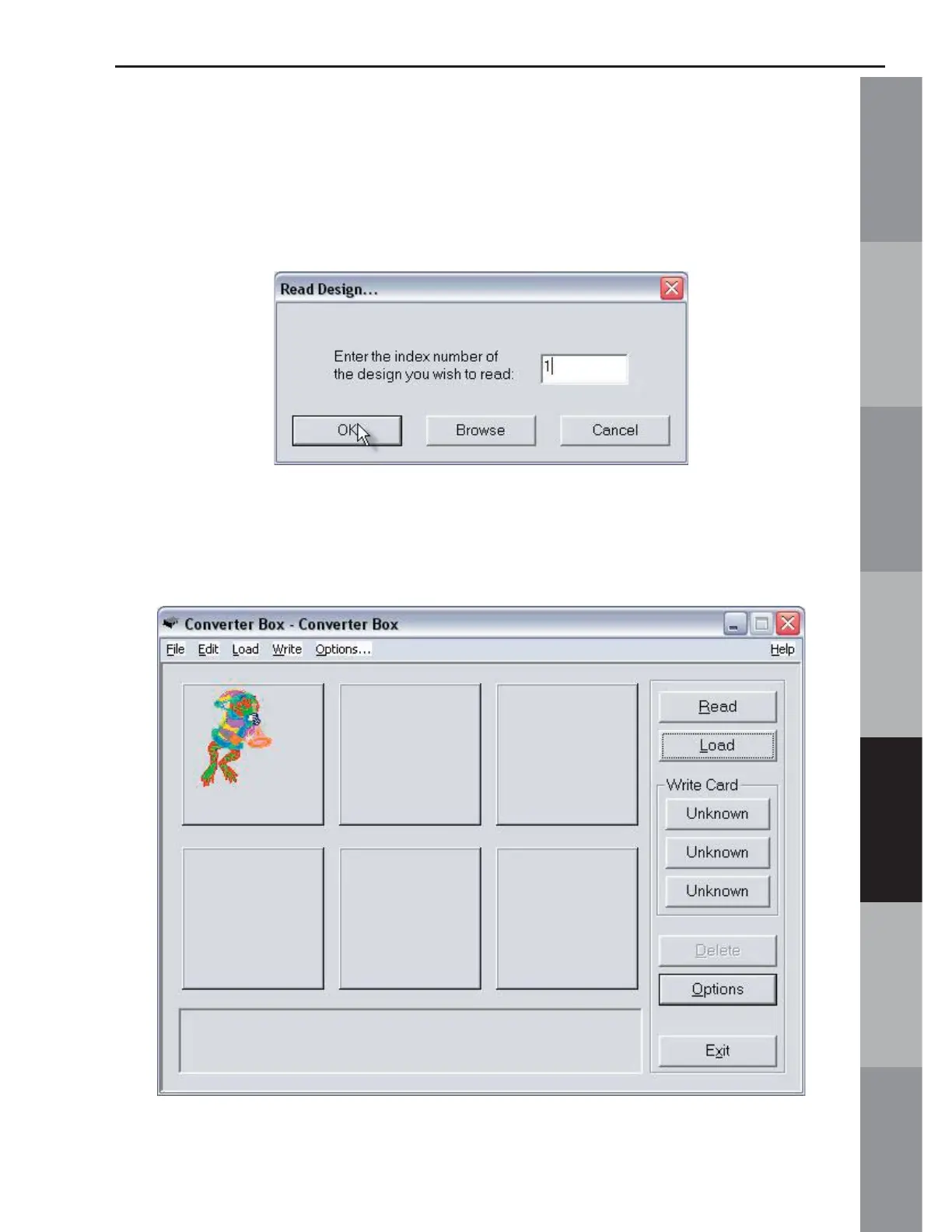
6. The Read Design window will appear. Click in the Index
Number box and type in the number of the desired design. (The
design number is found on the embroidery card thread chart.)
Click OK. Wait while the Magic Box reads the design card.
7. The design will appear on the Main Screen in the fi rst empty
space in the Design Area.



 To Next Page