Quick Start
Table of ContentsIntroductionInstallationMain ScreenQuick StartGeneral InformationColor Editor
Mini Magic Box - Design Card Converter
Software Manual
113
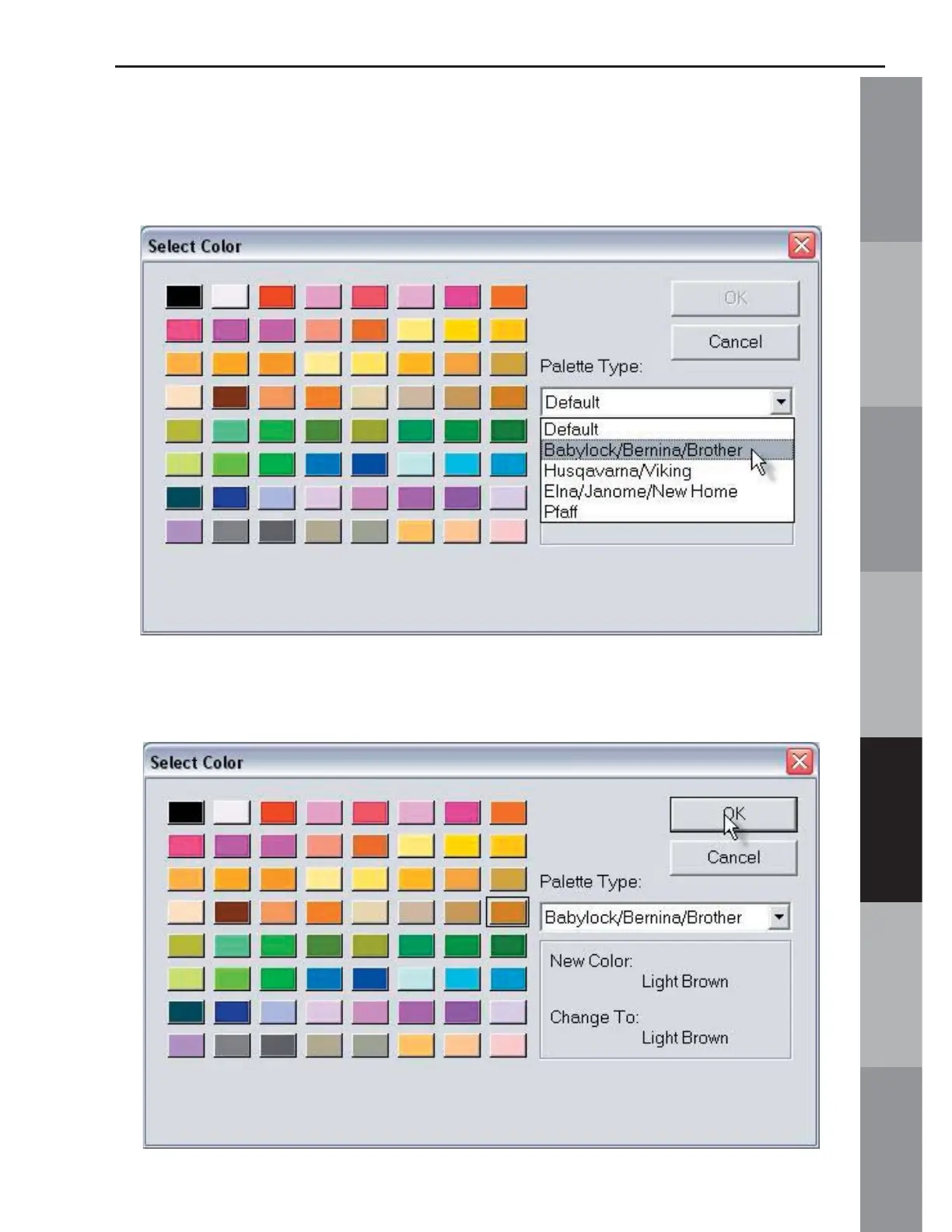
15. Click the Palette Type drop down arrow to choose palettes
for different machines. In this lesson, the Babylock/Bernina Deco/
Brother palette will be selected.
16. Click the Light Brown color button and click OK.



 To Next Page