Quick Start
Color EditorGeneral InformationQuick StartMain ScreenInstallationIntroductionTable of Contents
Mini Magic Box - Design Card Converter
Software Manual
114
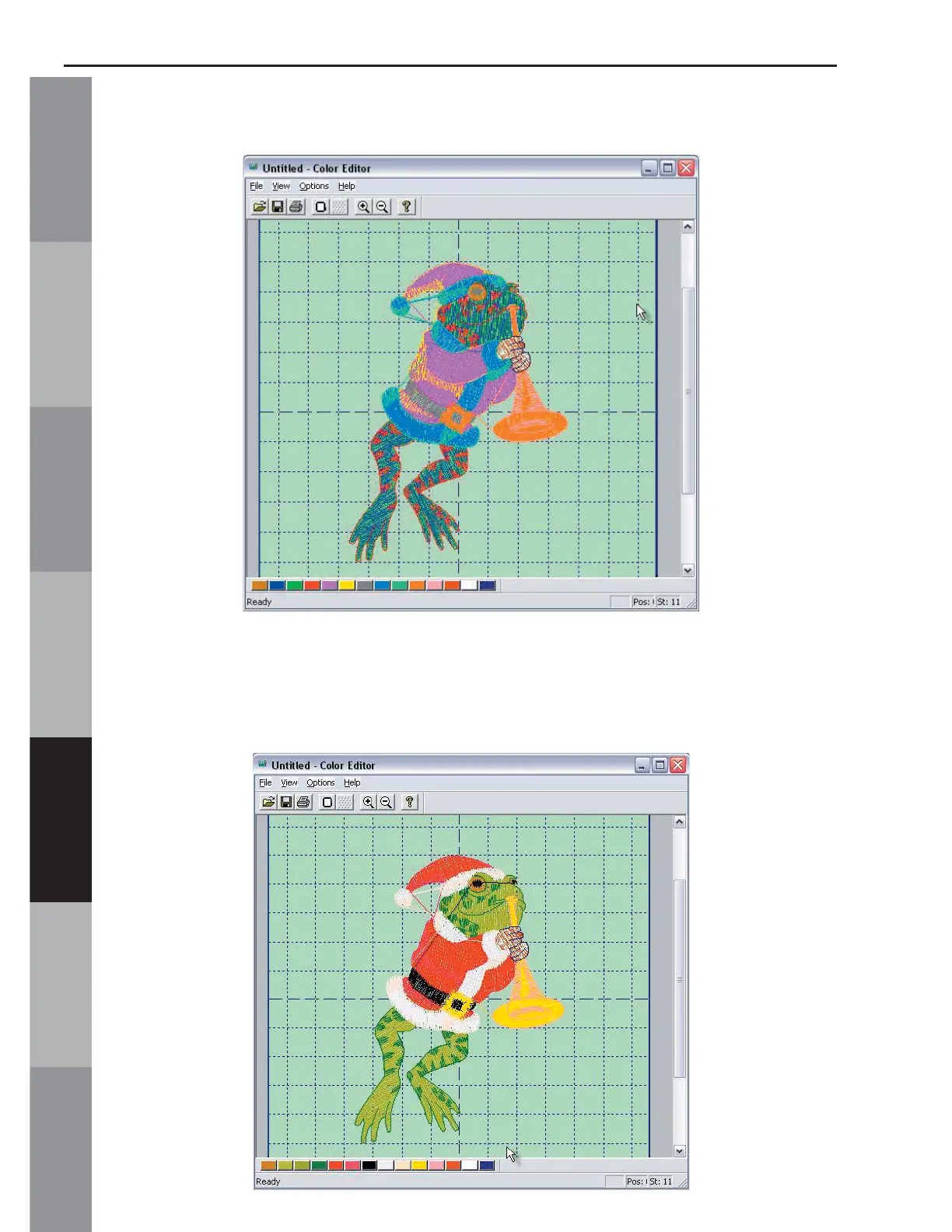
17. Color 1 (eyes) of the frog changes to Brown.
18. Click the second box and choose the color that is next in
the Thread Color Chart. Continue this process until the frog is re-
colored to match the thread chart.



 To Next Page