Table of ContentsIntroductionInstallationMain ScreenQuick StartGeneral InformationColor Editor
Magic Box - Design Card Converter
Software Manual
Installation
19
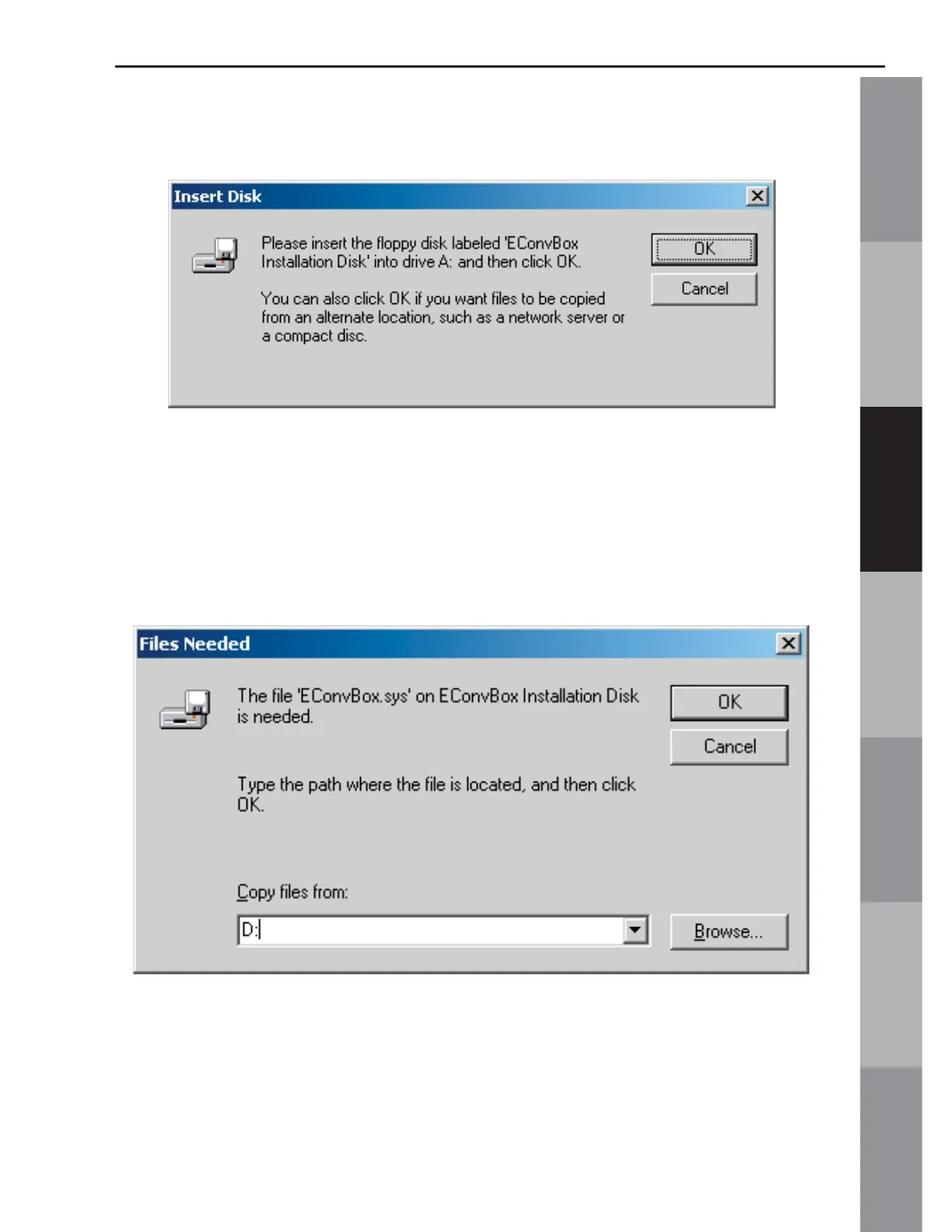
NOTE: Windows 2000 may present the window below when the USB Mini
Magic Box is fi rst plugged in.
Click OK from this window and a window should open that looks
like the one below. Just click and swipe the “Copy fi les from:” line
and type in the CD-ROM location (example- D:). Remember, the
CD-ROM letter on the computer may vary, so be sure to check to
see what letter the CD-ROM drive is.



 To Next Page