Table of ContentsIntroductionInstallationMain ScreenQuick StartGeneral InformationColor Editor
Magic Box - Design Card Converter
Software Manual
Installation
25
What to do if the Drivers do not install
If the Drivers do not install, it will be necessary to download the
drivers from the Internet.
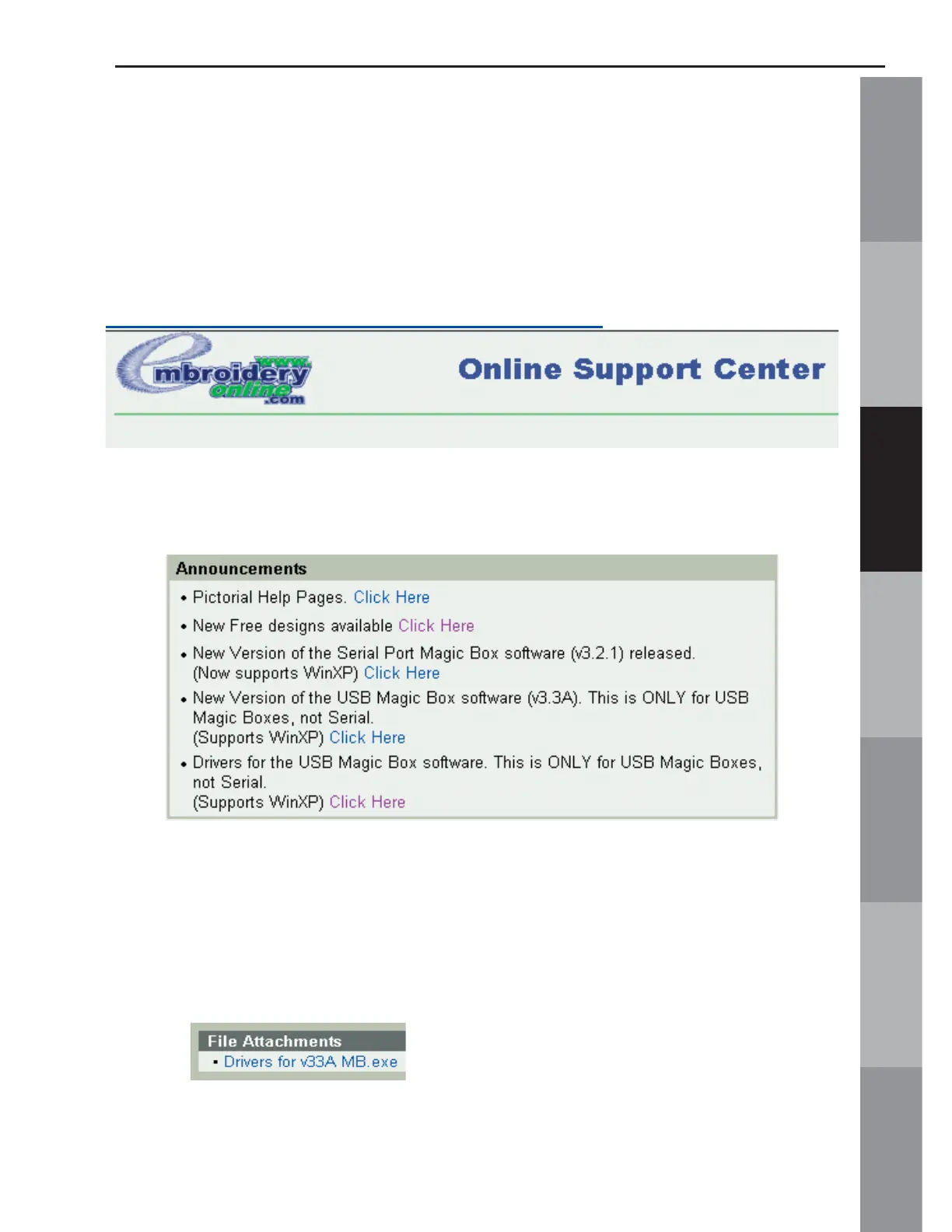
1. Log onto OESD’s Online Support Center with this address:
http://embroideryonlinesupport.custhelp.com
.
2. Scroll down to the ANNOUNCEMENTS Box in the lower left
corner.
3. Locate the listing “Drivers for the USB Mini Magic Box
software” and click on the link.
4. Scroll to the bottom of the page and click on the link to
download the drivers.



 To Next Page