Color EditorGeneral InformationQuick StartMain ScreenInstallationIntroductionTable of Contents
Magic Box - Design Card Converter
Software Manual
Installation
24
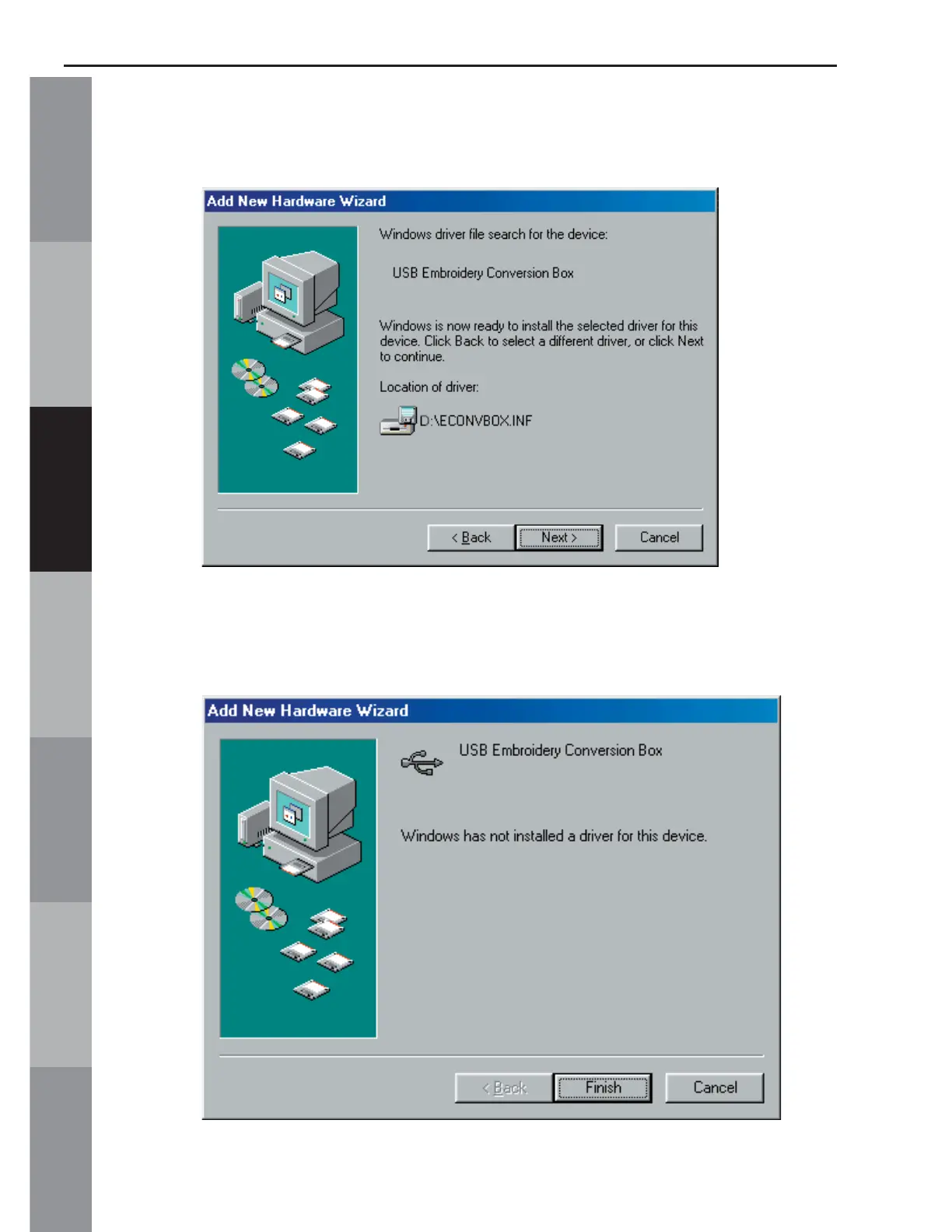
5. Windows may want to confi rm the fi les that are to be installed.
If so, the window shown below will open. Click “Next”.
6. Once the fi les are copied, the completed window will open.
Click “Finish” to complete the process.



 To Next Page