General Information
Color EditorGeneral InformationQuick StartMain ScreenInstallationIntroductionTable of Contents
Mini Magic Box - Design Card Converter
Mini Magic Box - Design Card Converter
Software Manual
34
General Information
Mini Magic Box - Design Card Converter
Fig. GI-1F Green Light
The green light indicates that the Magic Box is ON,
and available for use.
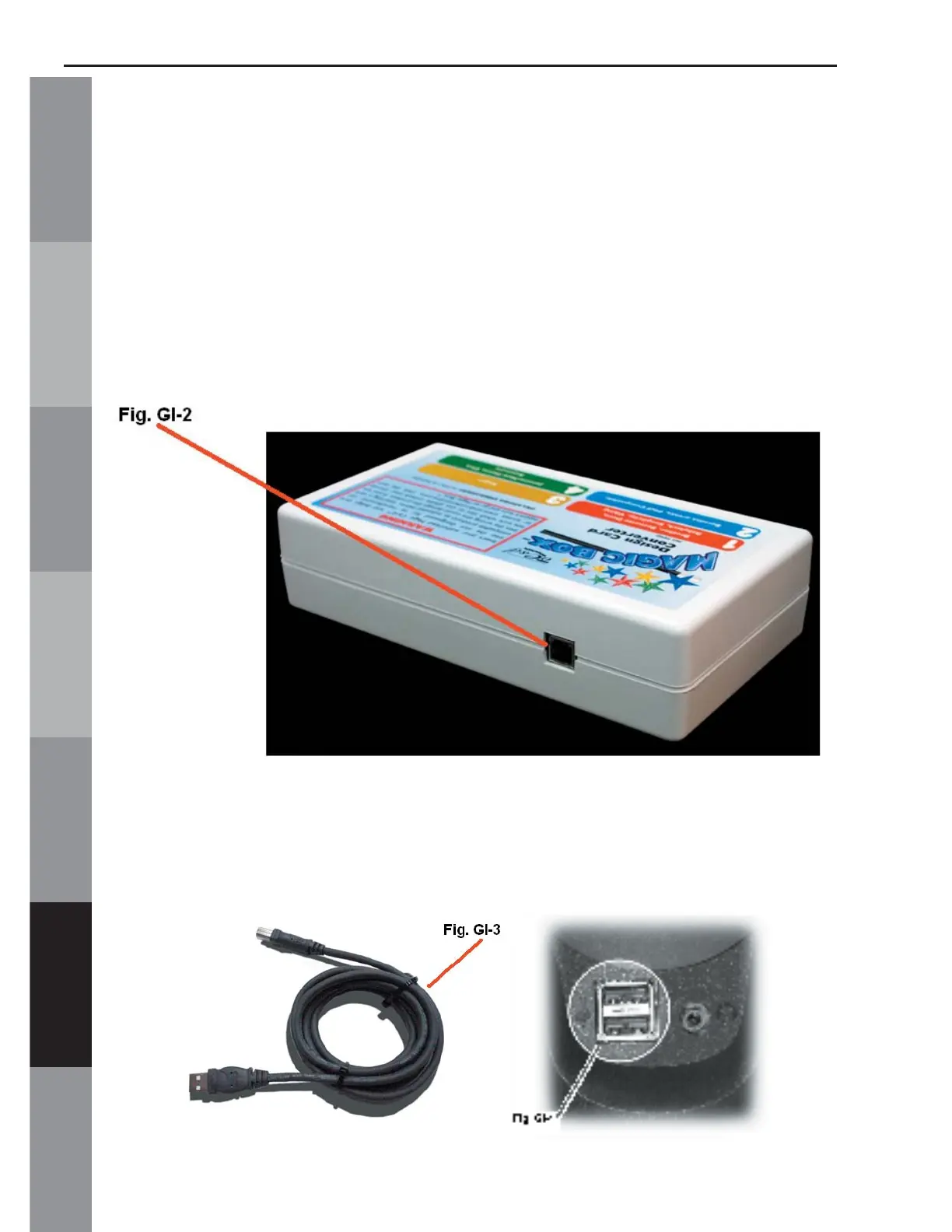
A. USB port
Fig. GI-2 shows the USB connection for the Magic Box.
This is the input and output port that allows the Magic
box to communicate with the computer.
B. USB Cable
Fig. GI-3 shows the USB cable. The cable plugs into
the back or front (on some models) of the computer as
shown in Fig. GI-4.



 To Next Page