General Information
Color EditorGeneral InformationQuick StartMain ScreenInstallationIntroductionTable of Contents
Mini Magic Box - Design Card Converter
Mini Magic Box - Design Card Converter
Software Manual
36
General Information
Mini Magic Box - Design Card Converter
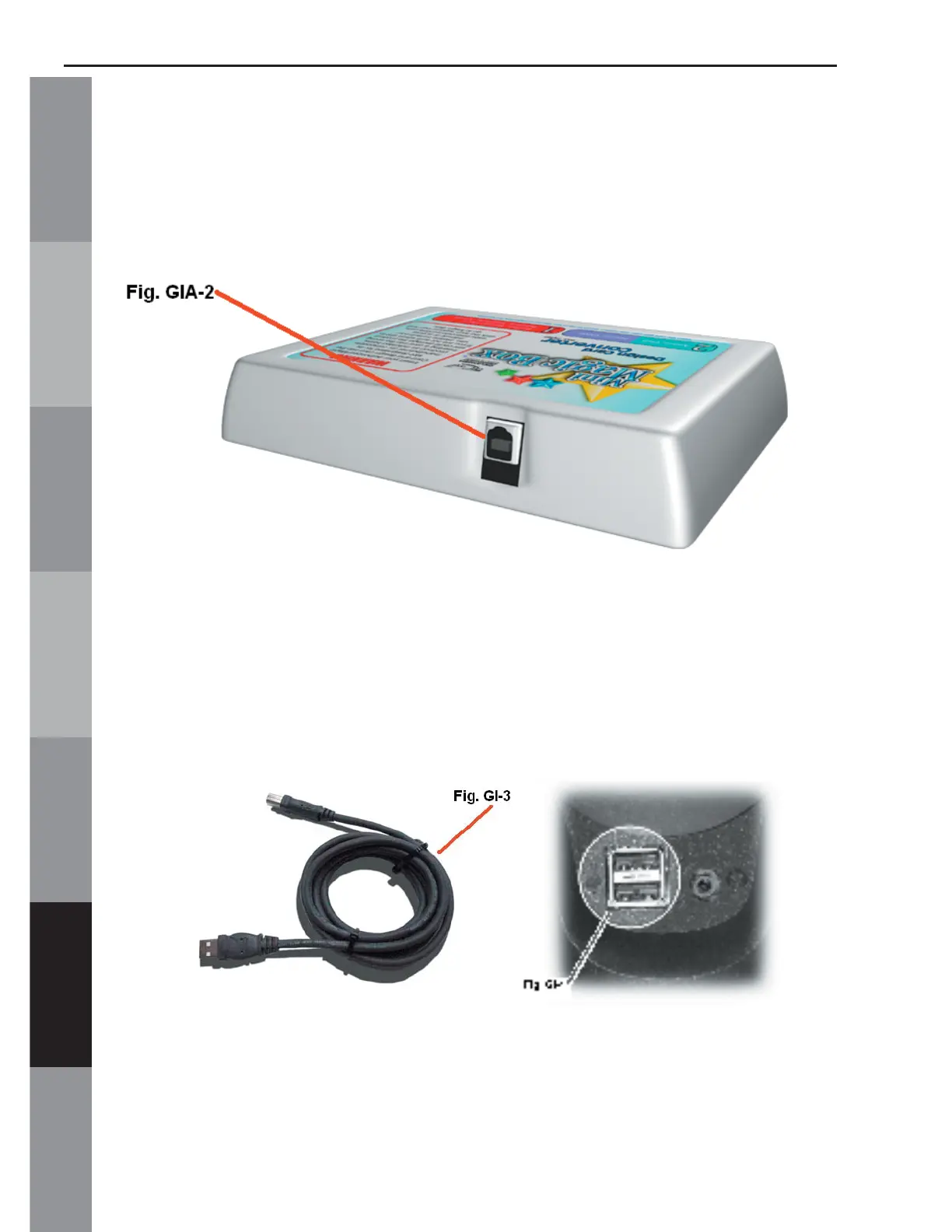
A. USB Port
Fig. GIA-2 shows the USB connection for the Mini
Magic Box. This is the input and output port that allows
the Mini Magic Box to communicate with the computer.
B. USB Cable
Fig. GIA-3 shows the USB cable. The cable plugs into
the back or front (on some models) of the computer as
shown in Fig. GIA-4.



 To Next Page