Main Screen
Color EditorGeneral InformationQuick StartMain ScreenInstallationIntroductionTable of Contents
Mini Magic Box - Design Card Converter
Mini Magic Box - Design Card Converter
Software Manual
70
Main Screen
Mini Magic Box - Design Card Converter
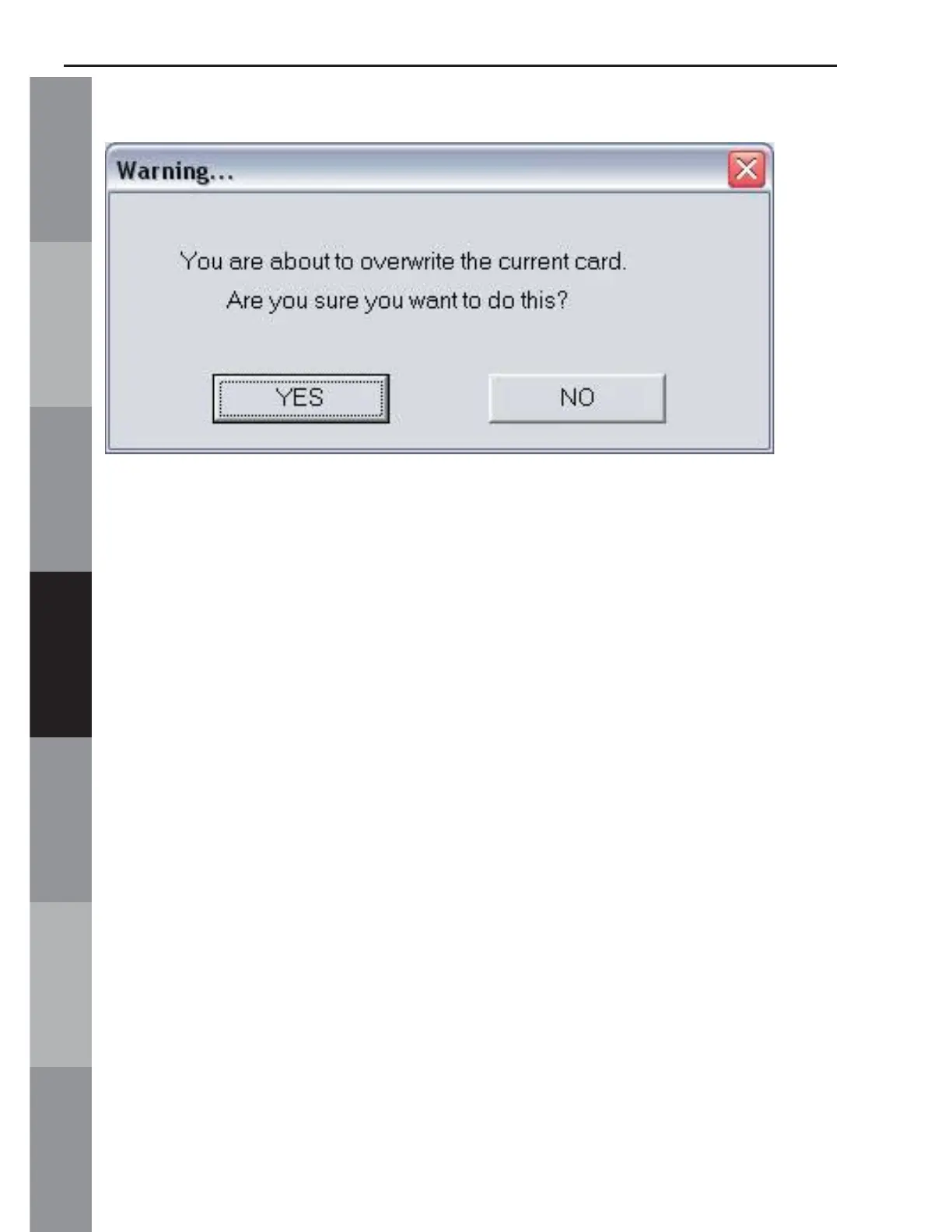
Fig MS-10
Remember, the software will recognize the card that is inserted
and will offer the choices for that card in the Write Selection
Menu. A soft click should be felt when inserting the card,
signalling that it is properly seated.
After the card is written to, the “Unknown” button will change to
the machine type that was selected from the menu. The software
allows three types of machines to be selected and remembered
at one time. (Fig. MS-10a). The user can go into the Options and
change the type of machine selected for each button as desired.



 To Next Page