Quick Start
Table of ContentsIntroductionInstallationMain ScreenQuick StartGeneral InformationColor Editor
Mini Magic Box - Design Card Converter
Software Manual
89
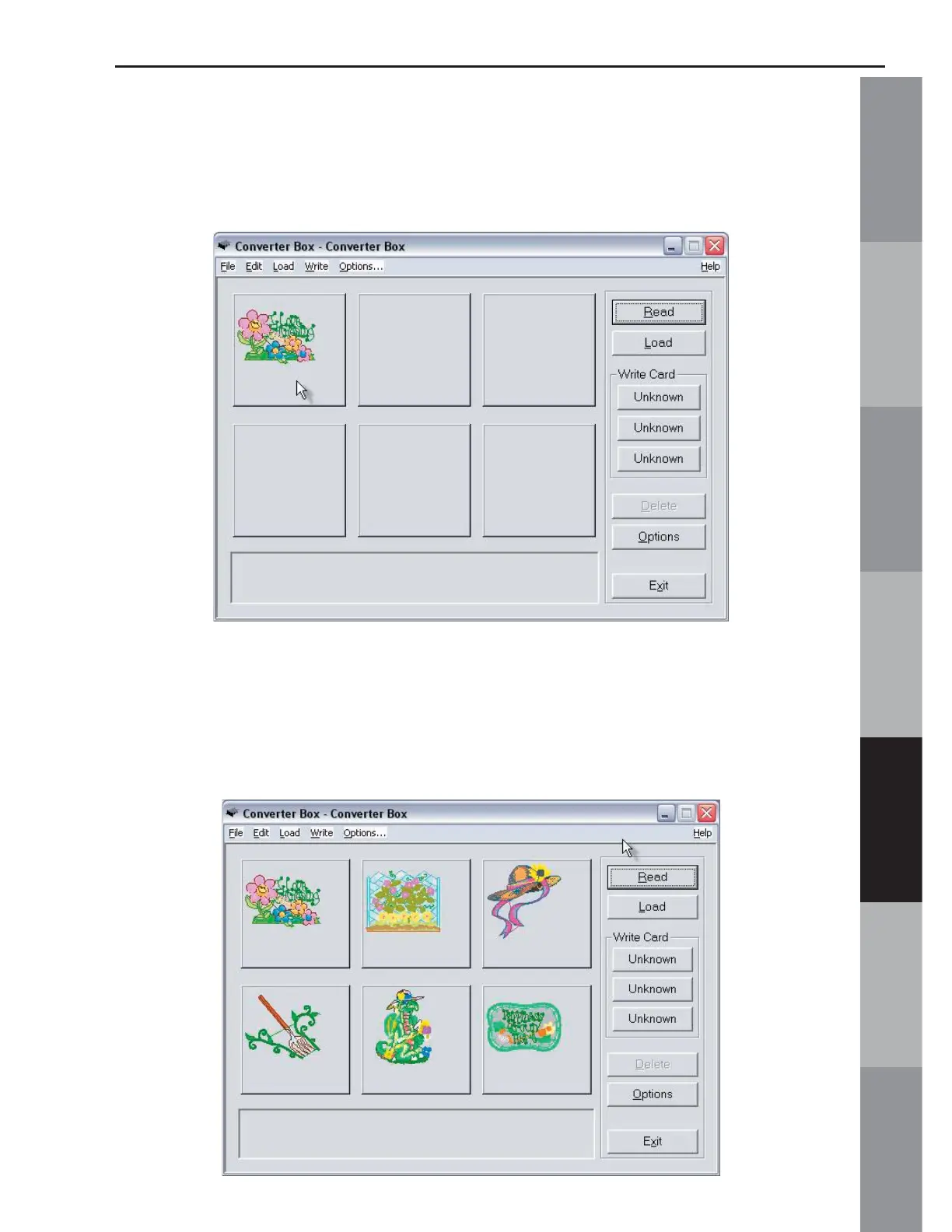
7. The design will appear on the Main Screen in the fi rst empty
space in the Design Area (Fig. QS-7)
Fig. QS-7
8. Continue Reading designs, as in Steps 3-6, until the desired
designs are on the Main Screen. A maximum of six designs can
be written to a Magic Card at one time. (Fig. QS-8)
Fig. QS-8



 To Next Page