Quick Start
Color EditorGeneral InformationQuick StartMain ScreenInstallationIntroductionTable of Contents
Mini Magic Box - Design Card Converter
Software Manual
90
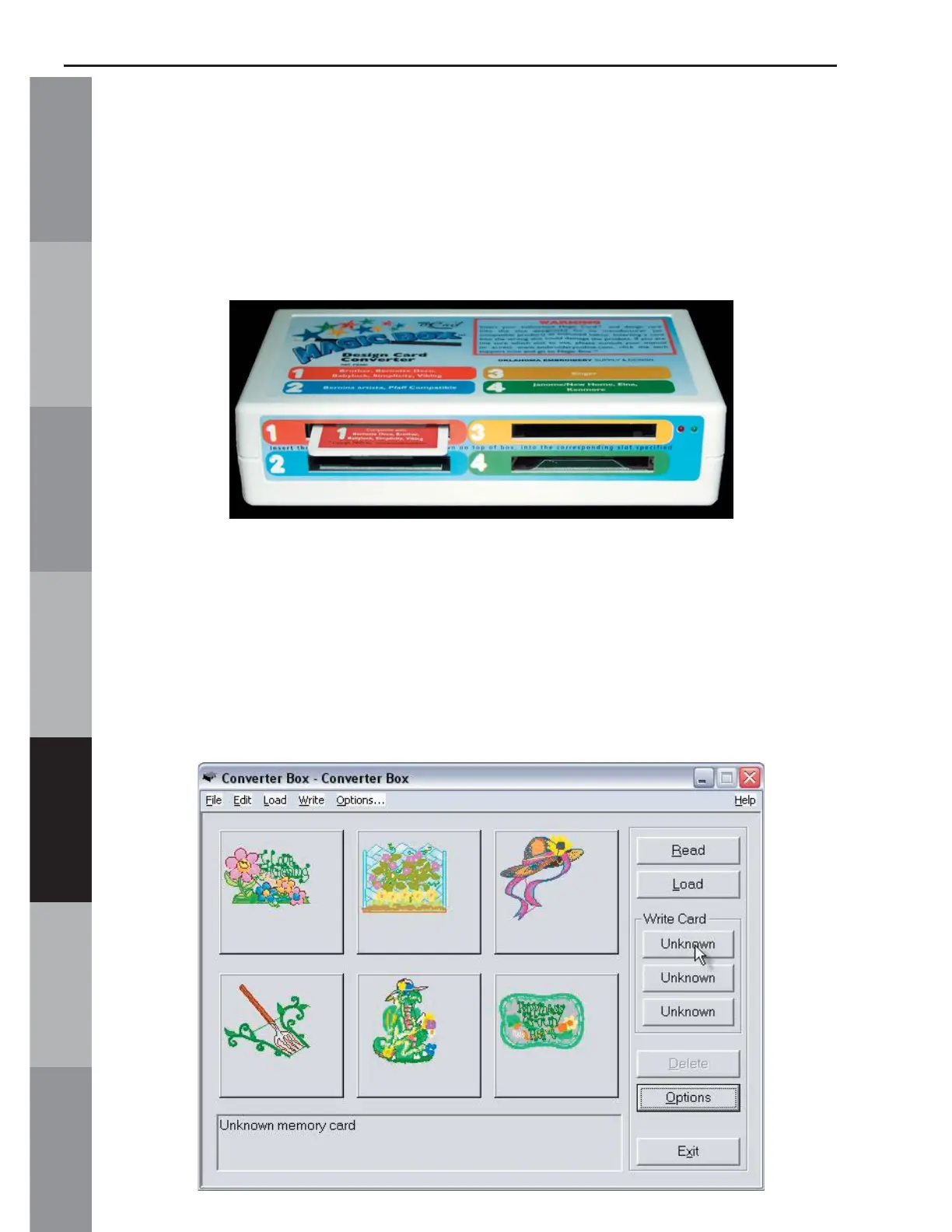
9. Insert the correct Magic Card into the appropriate color-
coded and numerically identical slot on the Magic Box. In this
lesson, a #1 (Brother/Deco/Babylock/Simplicity/Viking) Magic
Card is being used. It fi ts into slot #1 (Fig. QS-9)
Fig. QS-9
Warning: Some embroidery design cards can be erased or overwritten. ALWAYS remove
any design cards before writing to a Magic Card.
10. Click any one of the 3 “Unknown” buttons under the Write
Card section of the Converter Box window. (Fig. QS-10)
Fig. QS-10



 To Next Page