Quick Start
Table of ContentsIntroductionInstallationMain ScreenQuick StartGeneral InformationColor Editor
Mini Magic Box - Design Card Converter
Software Manual
91
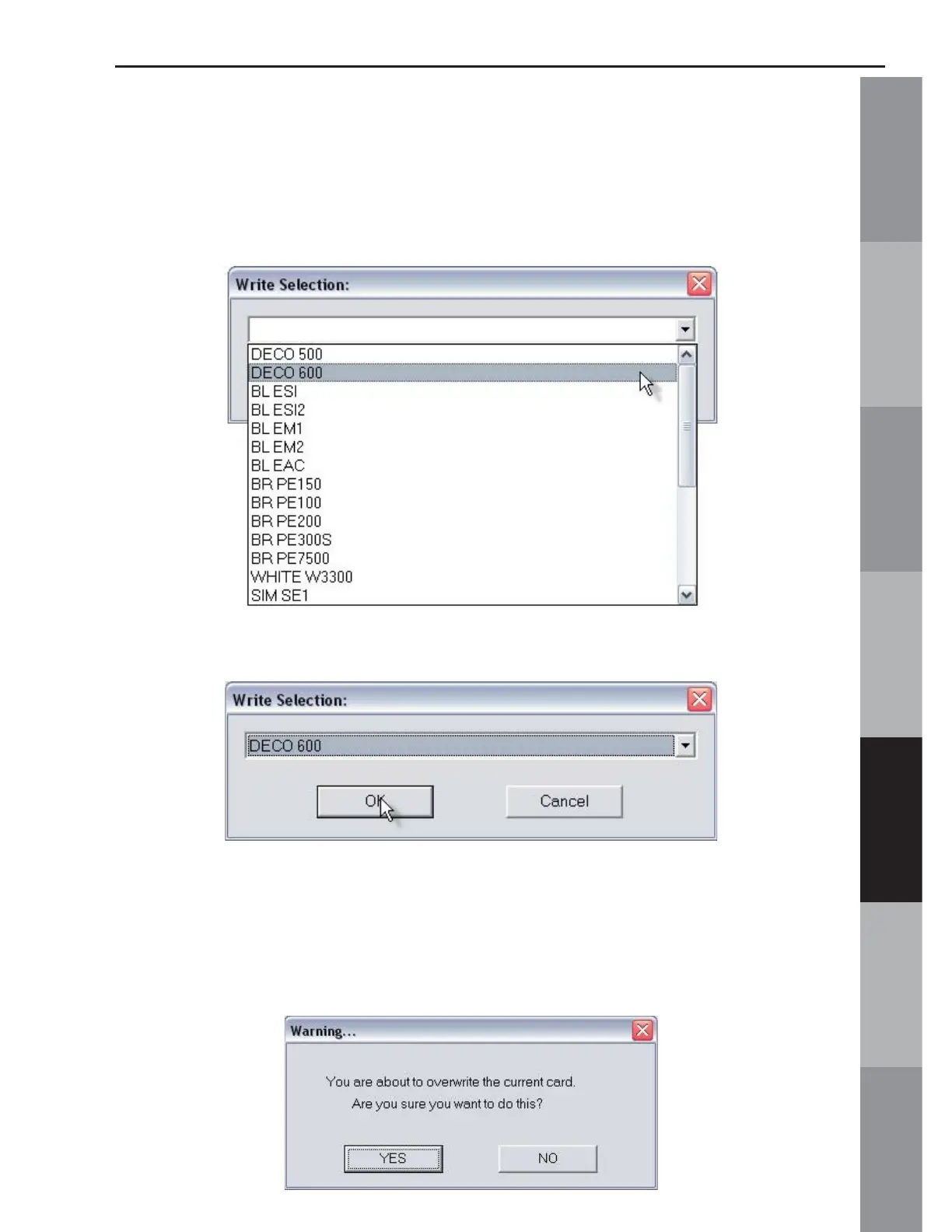
11. The Write Selection box will open. Click the drop down
menu and choose the machine this card is being written for. Click
OK to accept this machine. (Figures QS-11 & QS-11a)
Fig. QS-11
Fig QS-11a
12. A Warning Box will appear, explaining that the card will be
erased. Click Yes. (Fig. QS-12)
Fig. QS-12



 To Next Page