Quick Start
Color EditorGeneral InformationQuick StartMain ScreenInstallationIntroductionTable of Contents
Mini Magic Box - Design Card Converter
Software Manual
92
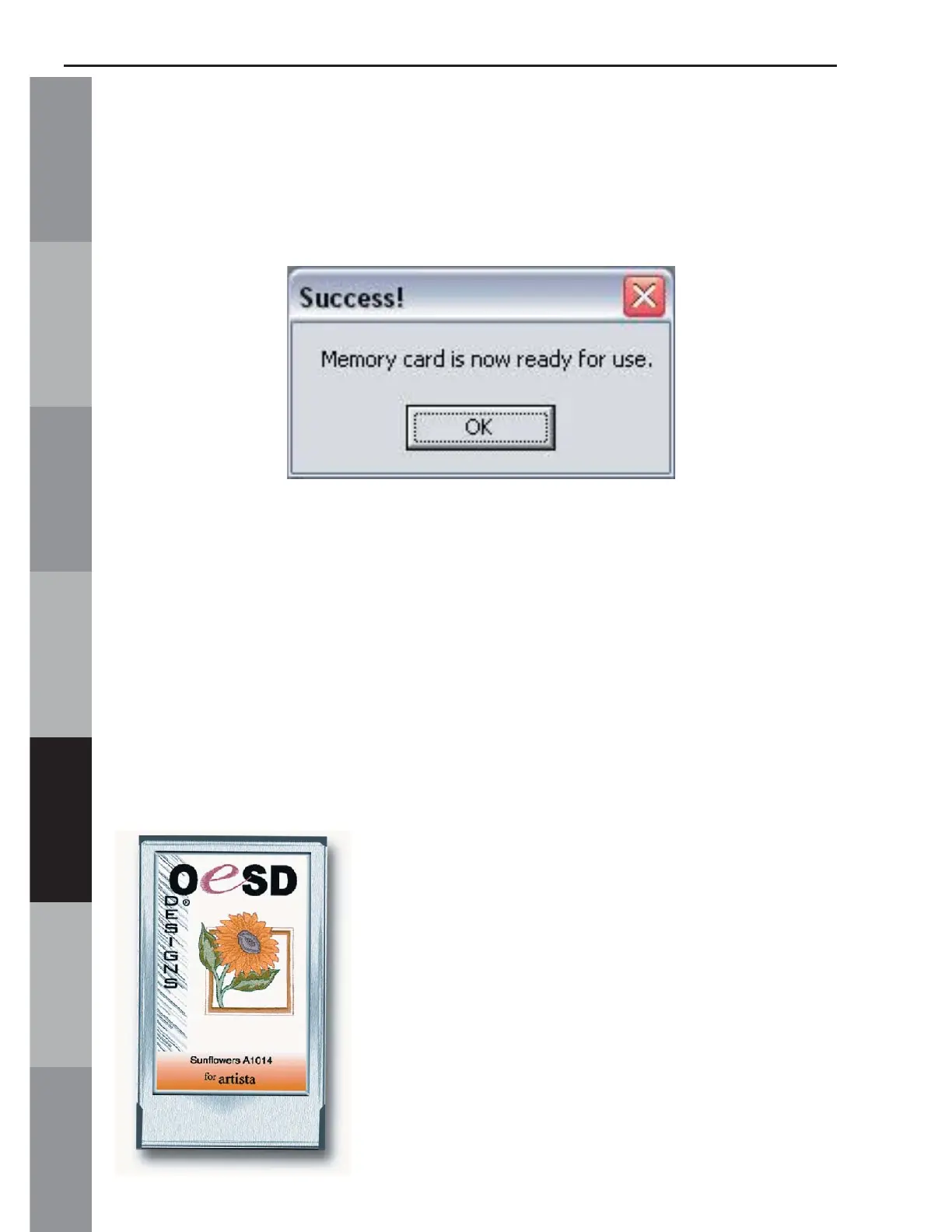
13. The Writing Block dialog box will appear. After writing
is complete, the “Success” dialog window will be displayed,
indicating that the card is ready for use. Click OK. (fi g. QS-13)
Fig. QS-13
The Magic Card is now ready for use in the embroidery machine.
Quick Start Lesson 2
This lesson will demonstrate how to Load designs from a pre-
programmed design card by Browsing the card. It will also
demonstrate how to Write the designs to a Magic Card.
In this lesson, we will use OESD’s “Sunfl owers” Premium Design
Card.*



 To Next Page