Quick Start
Table of ContentsIntroductionInstallationMain ScreenQuick StartGeneral InformationColor Editor
Mini Magic Box - Design Card Converter
Software Manual
93
Notes:
• Designs can also be Loaded from a Magic Card once designs have been written to that
Magic Card.
• All clicks of the mouse are LEFT clicks unless otherwise noted as right clicks.
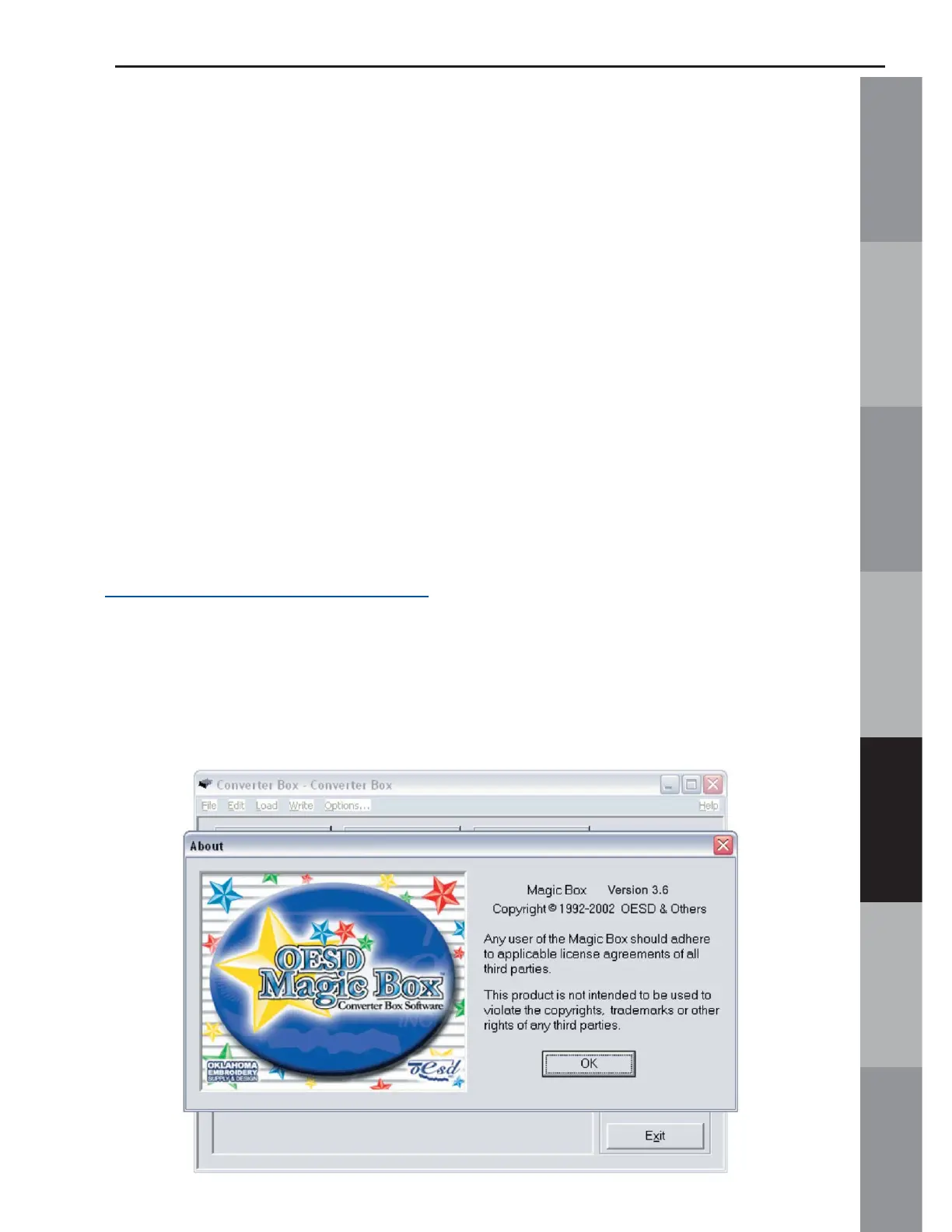
1. Launch the Magic Box program:
Double click the Magic Box icon on the Desktop or
• Click on Start
• Go to Programs
• Go to OESD
• Click Magic Box
*(Neither this card nor any of the designs on this card
are included with the Magic Box. This card is also
available as a CD-ROM. See a local OESD dealer or visit
www.embroideryonline.com
for more information. Projects for
OESD designs can be downloaded from the website.)
2. The Magic Box software will open. Click OK from the ABOUT
window.



 To Next Page