Patent No. 6,766,028 - OFI Testing Equipment, Inc.
OFITE, 11302 Steeplecrest Dr., Houston, TX 77065 USA / Tel: 832-320-7300 / Fax: 713-880-9886 / www.ote.com 26
Software
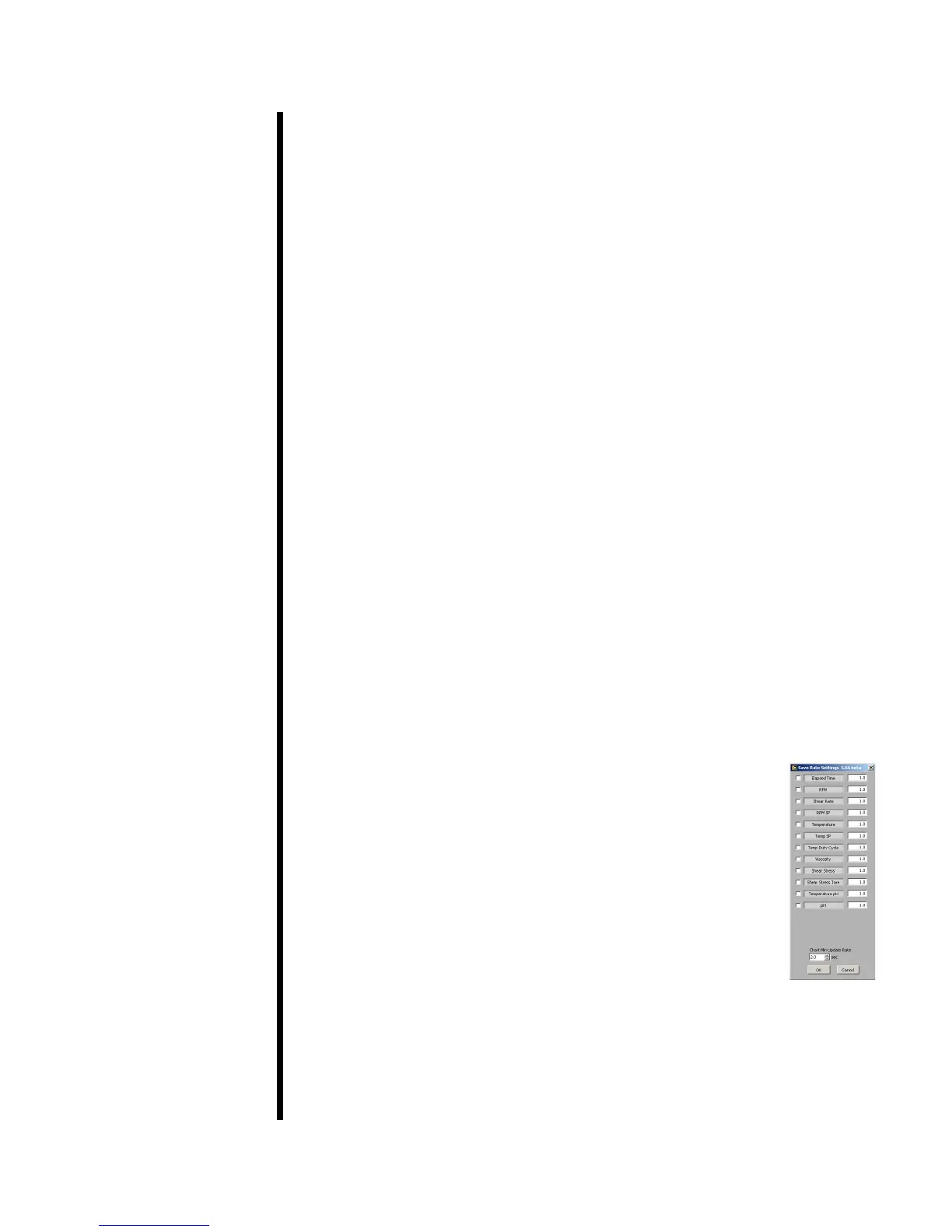
Save Rate Settings
By default, the ORCADA
®
Software saves data to le based on a set time
interval. This time interval can be changed by editing the “Raw File Save
Period” eld on the main screen. However, the “Save Rate Settings” feature
provides more control over data save points. The software will monitor
each selected variable and record a data point to the le when that variable
changes by the amount specied.
1. Select “Save Rate Settings” from the “Edit” menu.
2. Place a check mark next to each variable you wish to monitor.
3. In the eld after the variable name, enter the variance required to initiate
a save point.
For example, if you want the software to record a data point when the
temperature increases or decreases more than 5°, place a check next to
“Temperature” and enter 5 in the eld next to it.
4. Click “OK” to save the settings and return to the main screen.
“Elapsed Time” - seconds since the start of the test
“RPM” - rotational speed (RPM)
“Shear Rate” - rotational speed (1/s)
“RPM SP” - rotational speed setpoint
“Temperature” - measured sample temperature
“Temperature pH” - temperature reading from the external pH meter
“Temp SP” - temperature setpoint
“Temp Duty Cycle” - the frequency (in seconds) the heaters
engage to increase the temperature
“Viscosity” - measured viscosity (cP)
“Shear Stress” - measured shear stress
“Shear Stress Tare” - change in measured shear stress
“pH” - pH reading from the external pH meter



 To Next Page