Patent No. 6,766,028 - OFI Testing Equipment, Inc.
OFITE, 11302 Steeplecrest Dr., Houston, TX 77065 USA / Tel: 832-320-7300 / Fax: 713-880-9886 / www.ote.com 33
Software
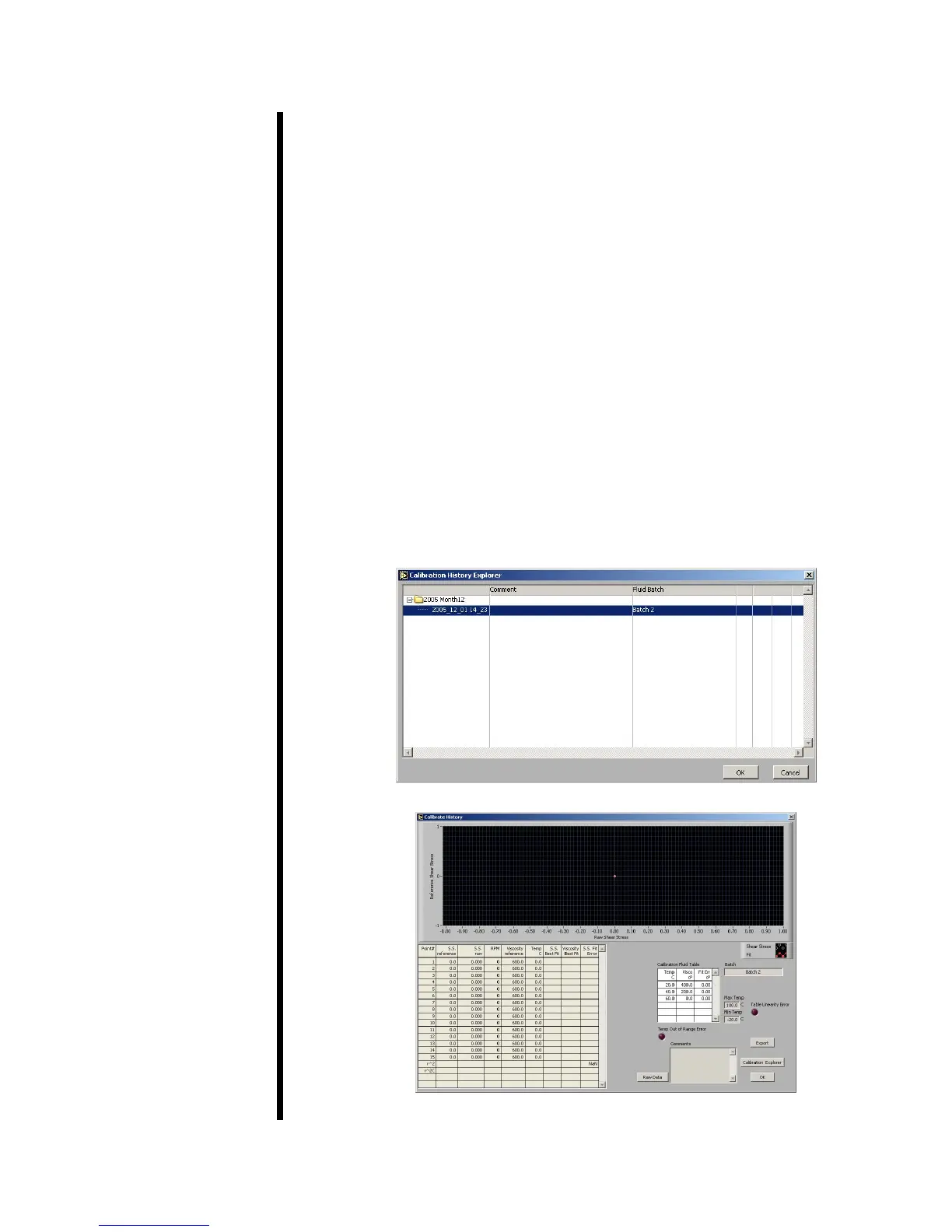
Calibration History
On the Calibration History Screen, you can retrieve the data from all past
calibration tests.
1. Begin on the Main Screen. Select “Calibration History” from the “Utilities”
menu.
2. The calibration tests are grouped by month. Select the folder for the year
and month of the calibration test you are looking for and click the small
+ sign next to it. This will show you all of the calibration tests run that
month, including the uid batch and any comments you added after the
test.
3. Select the test you wish to view and click the “OK” button.
4. You can now see the graph, chart, and uid batch details.
5. Click the “Export” button if you wish to export the calibration results to a
le. You will be asked to select a lename and destination and then click
“OK”.
6. When you are nished reviewing the calibration history, click the “OK”
button to return to the main screen.
Calibration History Explorer
Calibration History



 To Next Page