Patent No. 6,766,028 - OFI Testing Equipment, Inc.
OFITE, 11302 Steeplecrest Dr., Houston, TX 77065 USA / Tel: 832-320-7300 / Fax: 713-880-9886 / www.ote.com 30
Software
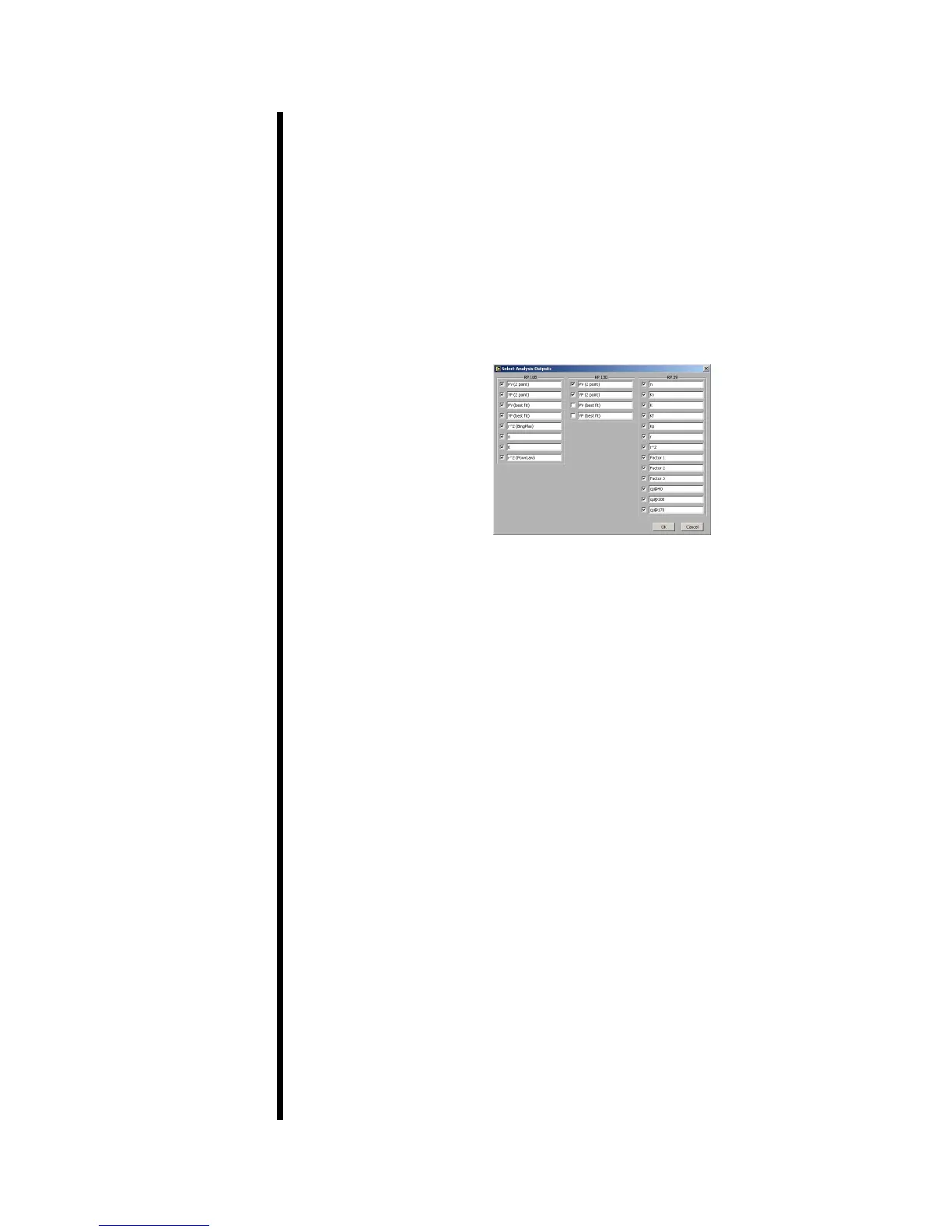
Select Analysis Outputs
After building a test in the Test Builder, the chart at the bottom of the Main
Screen will show the various data points being calculated by the viscometer
based on the chosen Analysis Model. This chart, however, is customizable.
You can choose which data points are displayed on the chart and which are
not.
From the “Edit” menu, choose “Select Analysis Outputs”. By default, all data
points are selected and will appear on the chart. To remove a data point from
the chart, simply uncheck the box next to it.



 To Next Page