Patent No. 6,766,028 - OFI Testing Equipment, Inc.
OFITE, 11302 Steeplecrest Dr., Houston, TX 77065 USA / Tel: 832-320-7300 / Fax: 713-880-9886 / www.ote.com 38
a. Locate the folder for the date of the saved data.
b. Click the small + sign next to the folder.
c. Select the data set you wish to view and click “OK”.
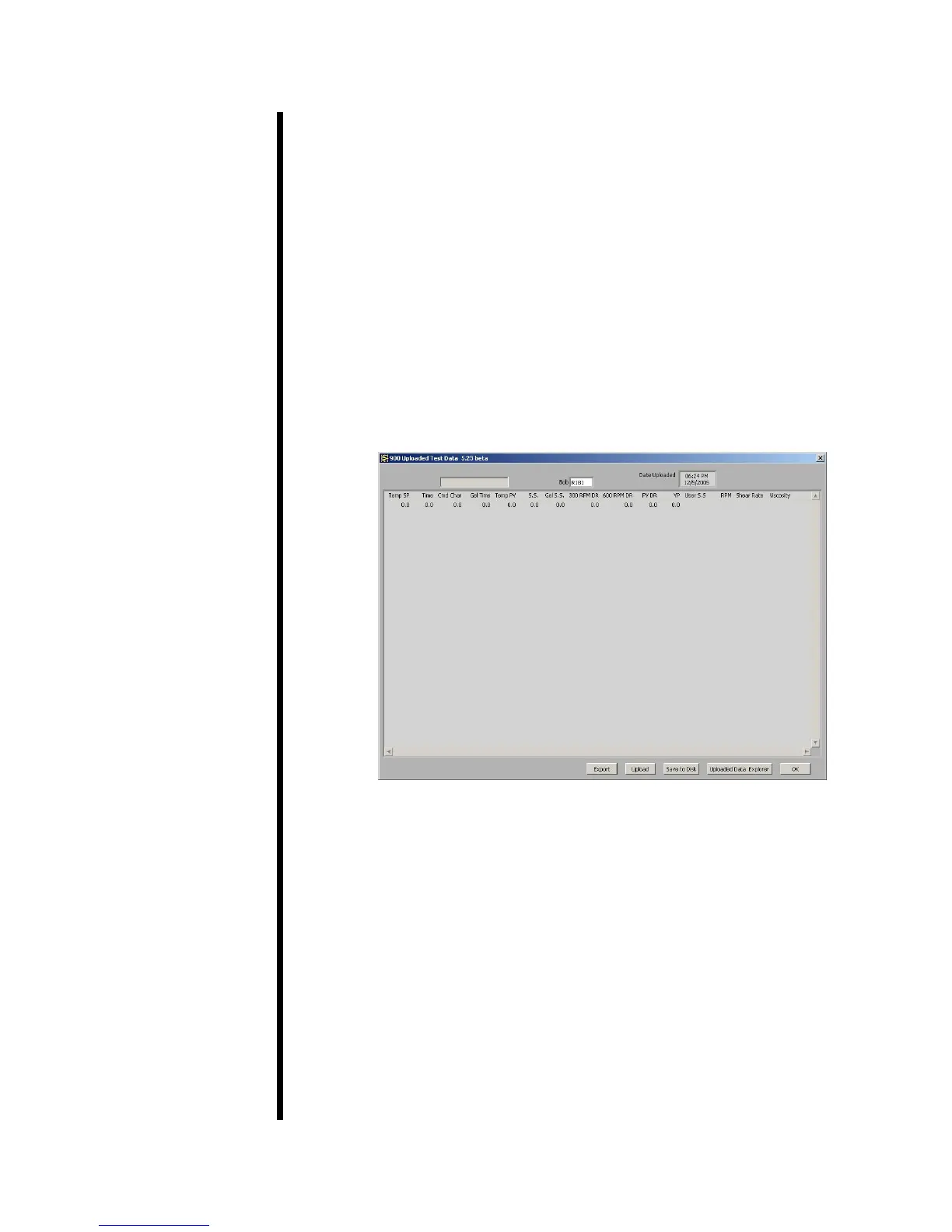
d. The data set will appear on the screen.
6. Press the “OK” button to close the “Upload Test Data” and return to the
main screen.



 To Next Page