54
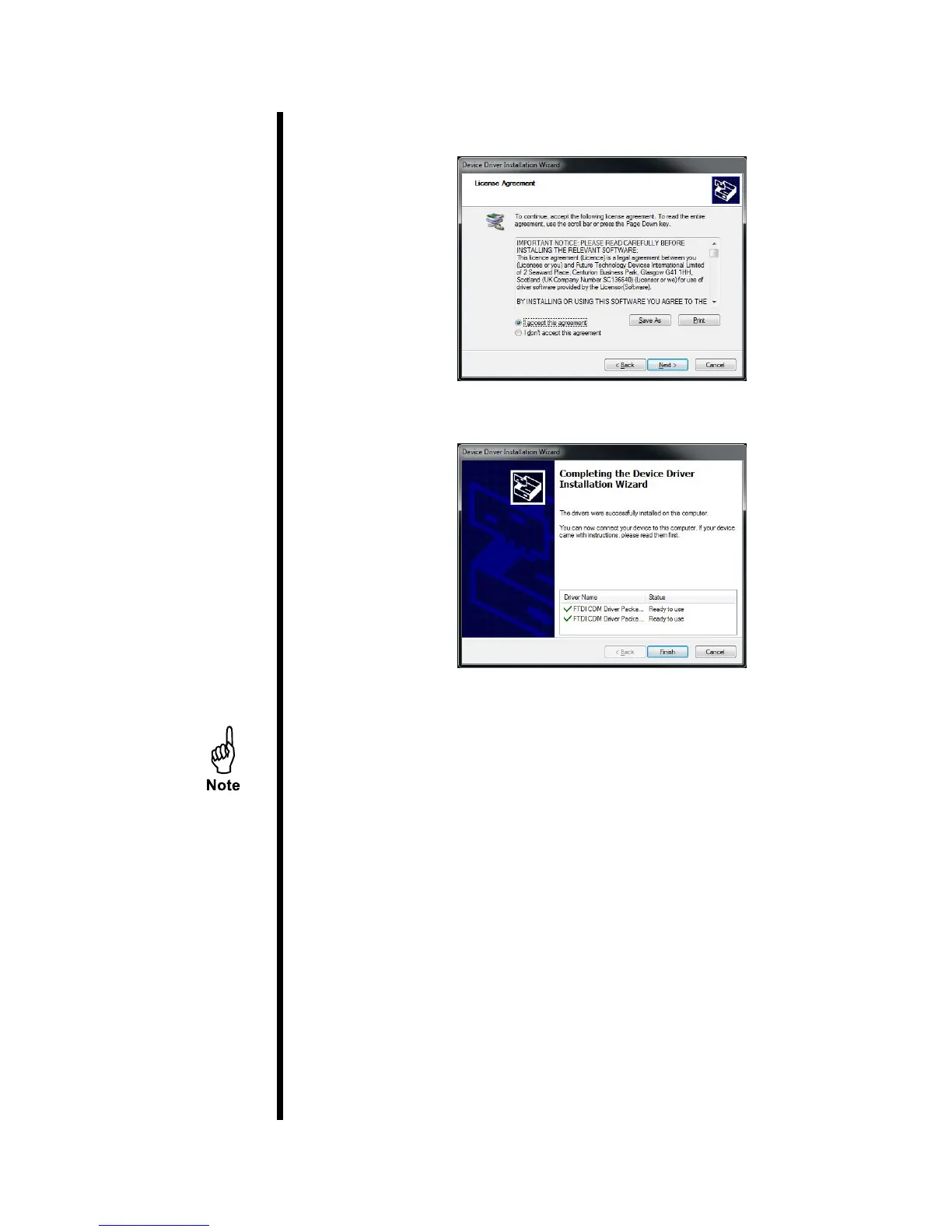
5. Accept the licence agreement and click “Next”.
6. Once the driver installation is complete, Click “Finish”.
7. Plug the USB portion of the USB/RS232 cable (#130-79-19) to the
computer.
The computer will continue installing the software. Wait for it to nish
installing.
8. Once the installation is complete, navigate to the Device Manager:
Click the Start Menu. Open the “Control Panel”. Click the “Hardware
and Sound” link. Click on the Device Manager link in the “Devices and
Printers” options.
Patent No. 6,776,028 - OFI Testing Equipment, Inc.
OFITE, 11302 Steeplecrest Dr., Houston, TX 77065 USA / Tel: 832-320-7300 / Fax: 713-880-9886 / www.ote.com



 To Next Page