EasyManua.ls Logo

OHAUS CKW Series - User Manual

OHAUS CKW Series
68 pages
Print Icon
To Next Page IconTo Next Page
Loading...
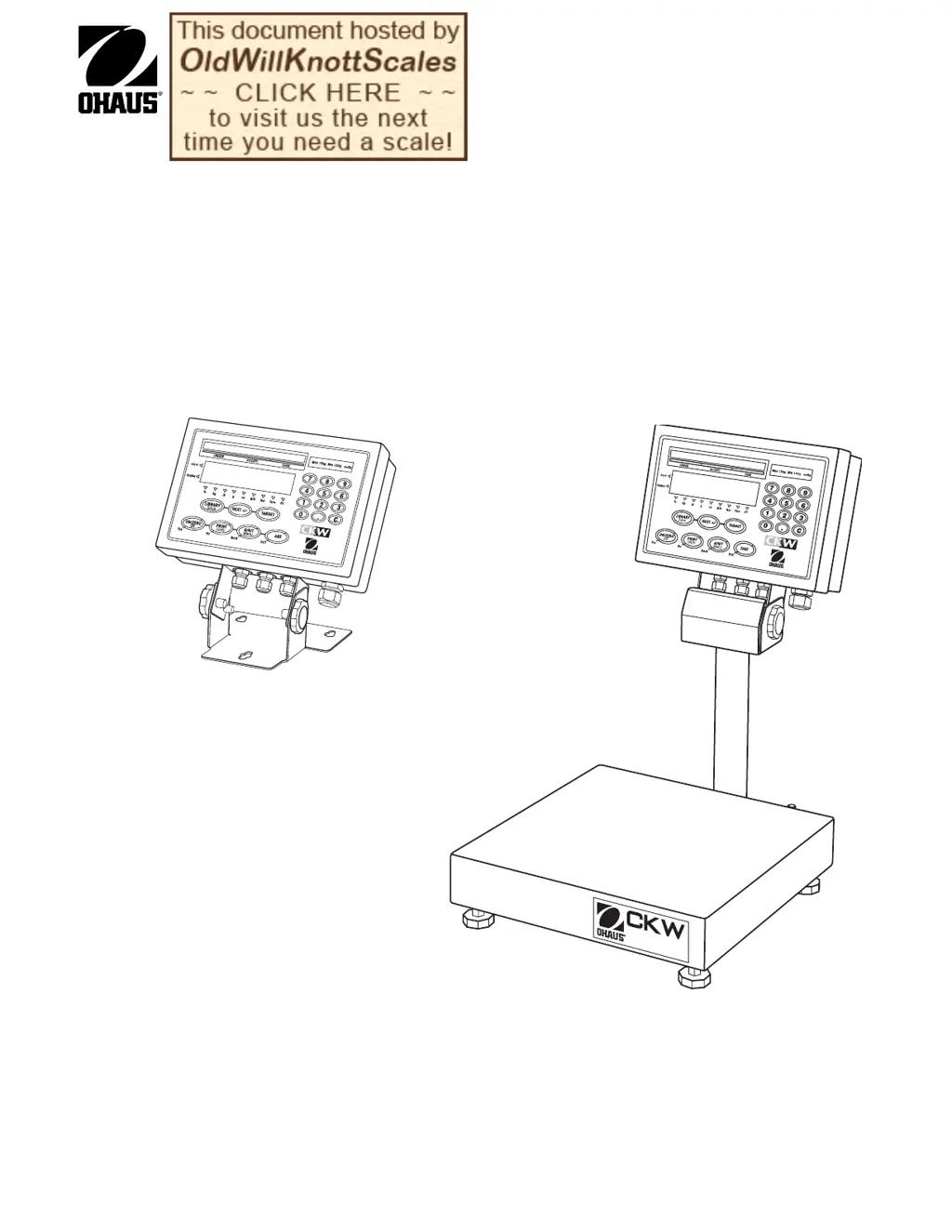
CKW-55 Indicator
and
CKW Series Scale
Instruction Manual
T

Table of Contents

Other manuals for OHAUS CKW Series

Questions and Answers

  • D
    Dr. Jason BranchAug 10, 2025
    Why won't my OHAUS Touch Panel turn on with AC power?
    • S
      Sierra BarnesAug 10, 2025
      There are several reasons why your OHAUS Touch Panel might not be turning on when connected to AC power. It could be a defective power cord, in which case you should check for cuts or abrasions. It may also be a defective power supply, requiring a test. Other potential causes include a defective membrane switch or a defective Main PC Board.
  • Z
    zharrisAug 15, 2025
    Why is the OHAUS Touch Panel display incorrect or unstable?
    • S
      Sarah RuizAug 15, 2025
      An incorrect or unstable display on your OHAUS Touch Panel can stem from several factors. The menu settings might be improperly set, so check the instruction manual. There could be loose or improper wiring on connector J2. Improper calibration may also cause this issue, so recalibrate the device. In some cases, a defective Main PC Board could be the cause.
  • L
    Luis LopezAug 20, 2025
    How to fix communication issues with RS422/485 on OHAUS Touch Panel?
    • M
      mjacksonAug 20, 2025
      If you're experiencing communication issues using the optional RS422/485 board on your OHAUS Touch Panel, start by checking the menu settings in the Instruction Manual. Also, verify the cable connections according to Figure 3-2. The RS422/485 PC board or the Main PC board might be defective.
  • E
    Erin RiveraAug 25, 2025
    Why can't I communicate using RS232 with my OHAUS Touch Panel?
    • A
      Adam WhiteAug 25, 2025
      If you're unable to communicate using RS232 with your OHAUS Touch Panel, the menu settings may be improperly set, so check them in the Instruction Manual. Alternatively, the Main PC board could be defective.
  • K
    kevintoddAug 29, 2025
    Why are the relay functions not working on my OHAUS Touch Panel?
    • J
      Joyce LopezAug 29, 2025
      If the relay functions are not working on your OHAUS Touch Panel, it could be due to several reasons: the menu settings might be improperly set, the Relay Board might be defective, the Main PC Board might be defective, or there could be loose or improper wire connections. Refer to Figure 3-2 for proper wiring.
  • J
    jonathan77Sep 3, 2025
    Why does my OHAUS Touch Panel fail to maintain the set time and date?
    • S
      Seth SimmonsSep 4, 2025
      If your OHAUS Touch Panel fails to maintain the set time and date, the Real Time Clock (RTC) battery may be depleted, so replace the Real Time Clock battery. In some cases, the Main PC Board might be defective.

OHAUS CKW Series Specifications

General IconGeneral
BrandOHAUS
ModelCKW Series
CategoryMeasuring Instruments
LanguageEnglish

Related product manuals