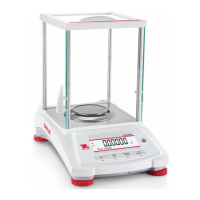
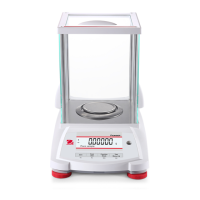
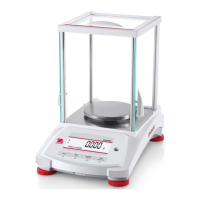
PR Series Balance EN-43
9.3 Accessories
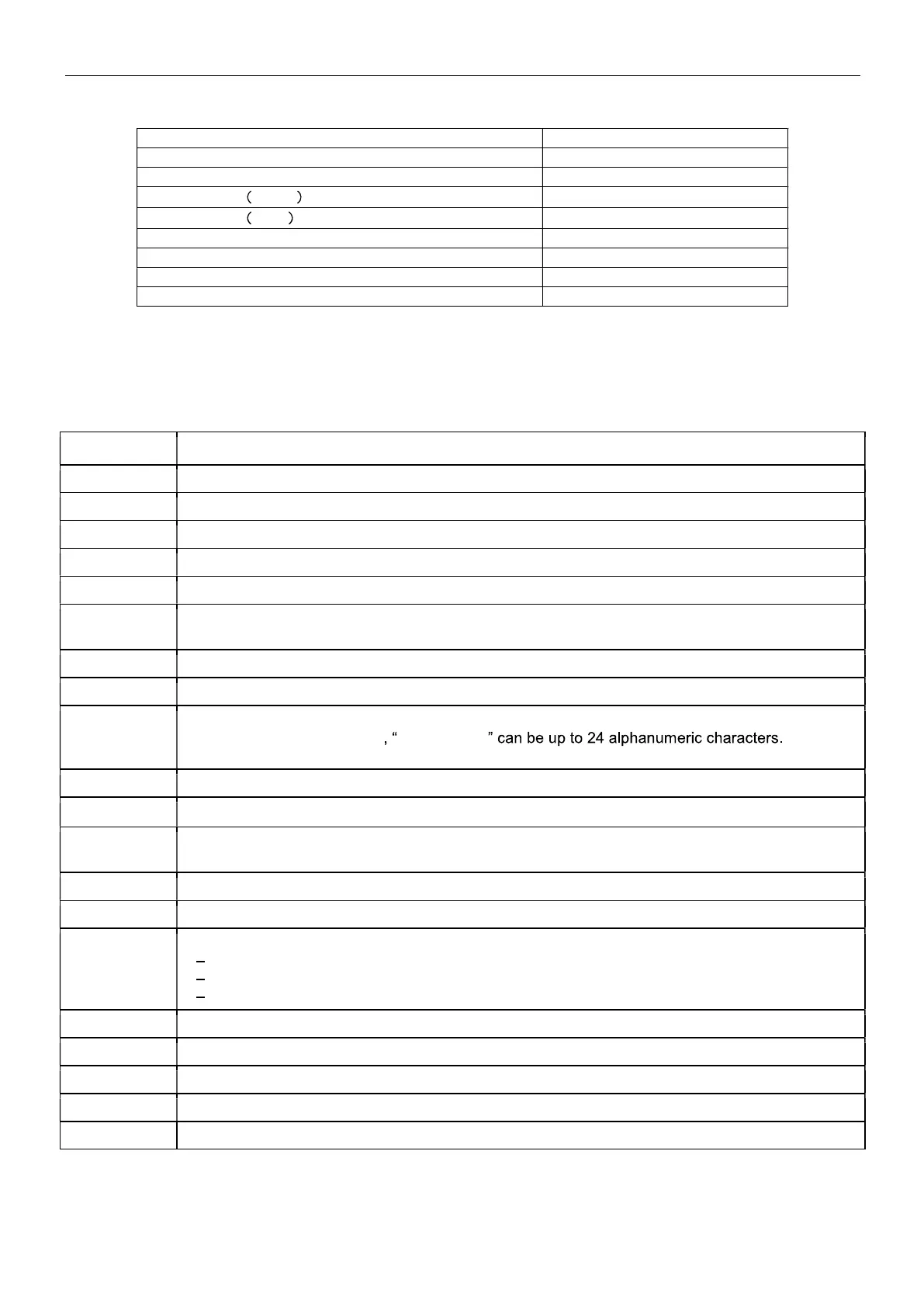
DESCRIPTION PART NUMBER
Auxiliary Display AD7-RS 30472064
Security Device 80850043
RS232 Cable 25 pin
80500524
RS232 Cable 9 pin
80500525
Dust Cover 30093334
In-use Cover 30372547
Printer SF40A 30064202 (EU); 30064203 (AM)
Power Adapter for Balance 46001724
9.4 Communication
9.4.1 Interface Commands
Commands listed in the following table will be acknowledged by the balance.
Command Function
IP Immediate Print of dis
la
ed wei
ht
stable or unstable
.
P Print dis
la
ed wei
ht
stable or unstable
.
CP Continuous Print.
SP Print on Stabilit
.
SLP Set Auto Print to On Stabilit
, allow non-zero dis
la
ed wei
ht be
rinted.
SLZP Set Auto Print to On Stability, allow both stable non-zero weight and stable zero reading to be
rinted.
xP Set Auto Print to Interval Print, x =
rint interval
1-3600 sec
, 0P disable the interval Print
0P 0P disable interval
rint, continuous
rint or
rint on stabilit
H Enter Print Header Lines, the format is: H x "header string".
Where x = line number 1 to 3 header string
If no strin
in the command, "H x" will read the stored header x.
Z Same as
ressin
Zero Ke
.
T Same as pressing Tare Key.
xT*** Establish a preset Tare value in displayed unit. x = preset tare value. Sending 0T clears tare (if
allowed
.
PT Prints Tare wei
ht stored in memor
.
PM Print current a
lication mode
wei
hin
mode
.
xM Set current application mode to x. x depends on applications
1 Weigh
2 Count
3 Percent
M Scroll to the next enabled mode.
ON Brin
s out of Standb
OFF Goes to Standb
.
C Be
in S
an Calibration
IC Be
in Internal Calibration.



 To Next Page