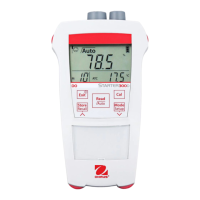
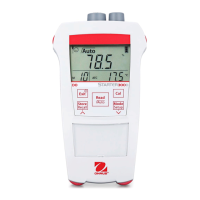
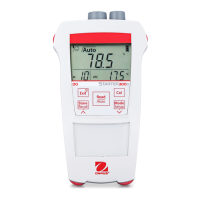
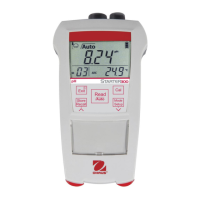
3 STARTER 300 operation
3.1 Calibration
3.1.1 Buffer group
The STARTER 300 pH meter allows you to perform 1-, 2- or 3- point calibrations. The 4 buffer
group is predefined in the meter, after selecting your calibration buffer group among the 4 group in
the meter(4.4), the buffers are automatically recognized and displayed during calibration (auto
buffer recognition).
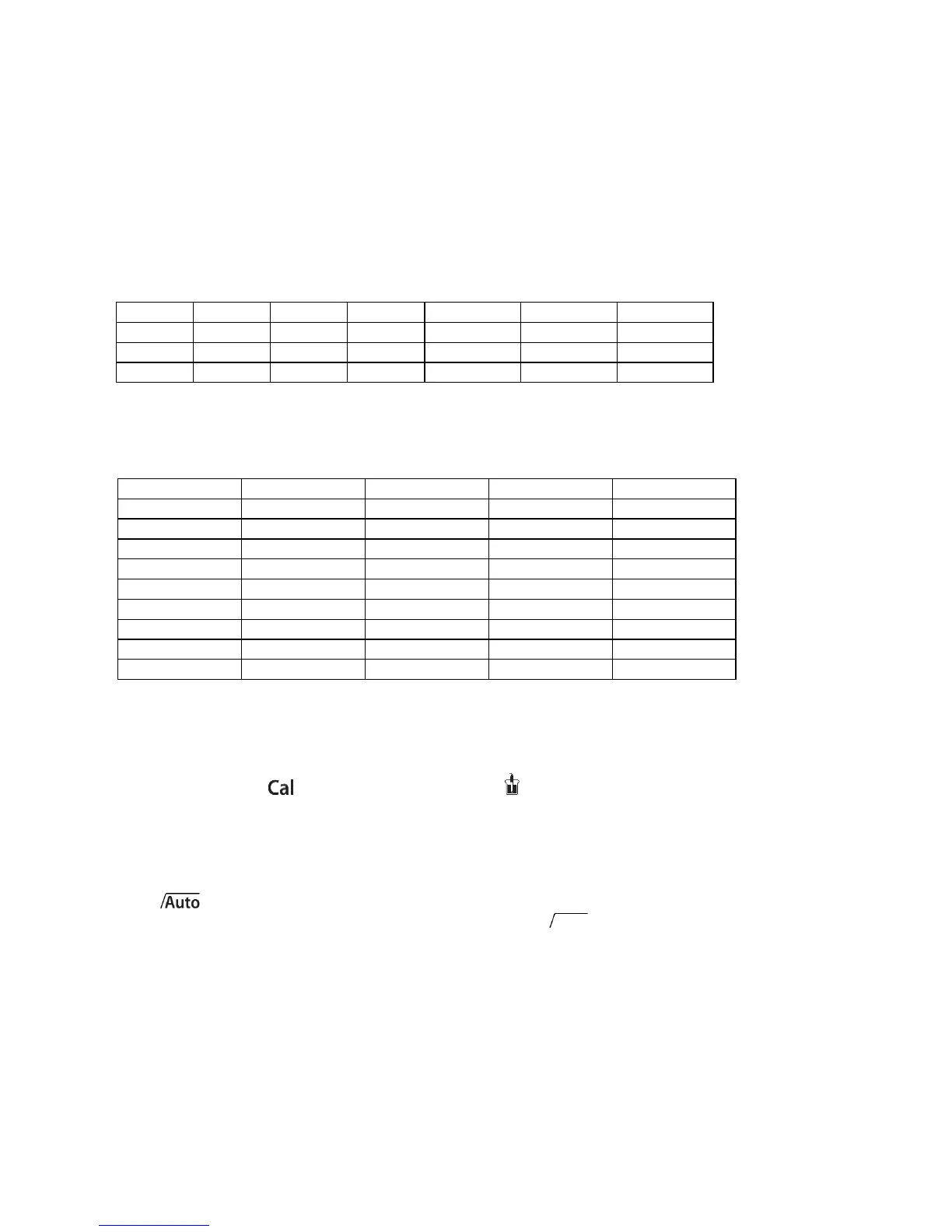
The 4 predefined buffer groups are:
STARTER 300 pH meters automatically corrects for the temperature dependence of the buffer pH
values given in the table.
Buffer group b1 (ref. 25 °C)
3.1.2 Performing 1-point calibration
Place the electrode in a calibration buffer and press Cal. “Cal 1” is blinking during calibration.
The calibration icon and the measurement icon appear on the display. The measurement
icon is blinking during calibration measurement. The meter endpoints according to the preselected
endpoint mode, after the signal has stabilized or after pressing Read.
When the first calibration point is finished, the relevant buffer value is displayed and stored; the
measurement icon blinks 3 times and disappears. Then, the endpoint stability and auto endpoint
icons blink 3 times and freeze on the display and “Cal 1” stops blinking. If the calibration
was endpointed manually, then only endpoint stability icon blinks 3 times and freezes on the
display.
To finish the calibration and return to the sample measurement, press Read. The offset value and
the slope are then shown on the display for 3 seconds. To reject the calibration, press Exit before
the meter returns automatically after 3 seconds to the measurement screen.
Note: With the 1-point calibration only the offset is adjusted. If the sensor was previously
calibrated with multi-point calibration the previously stored slope will remain. Otherwise theoretical
100% slope (-59.16 mV / pH) will be used.


 To Next Page