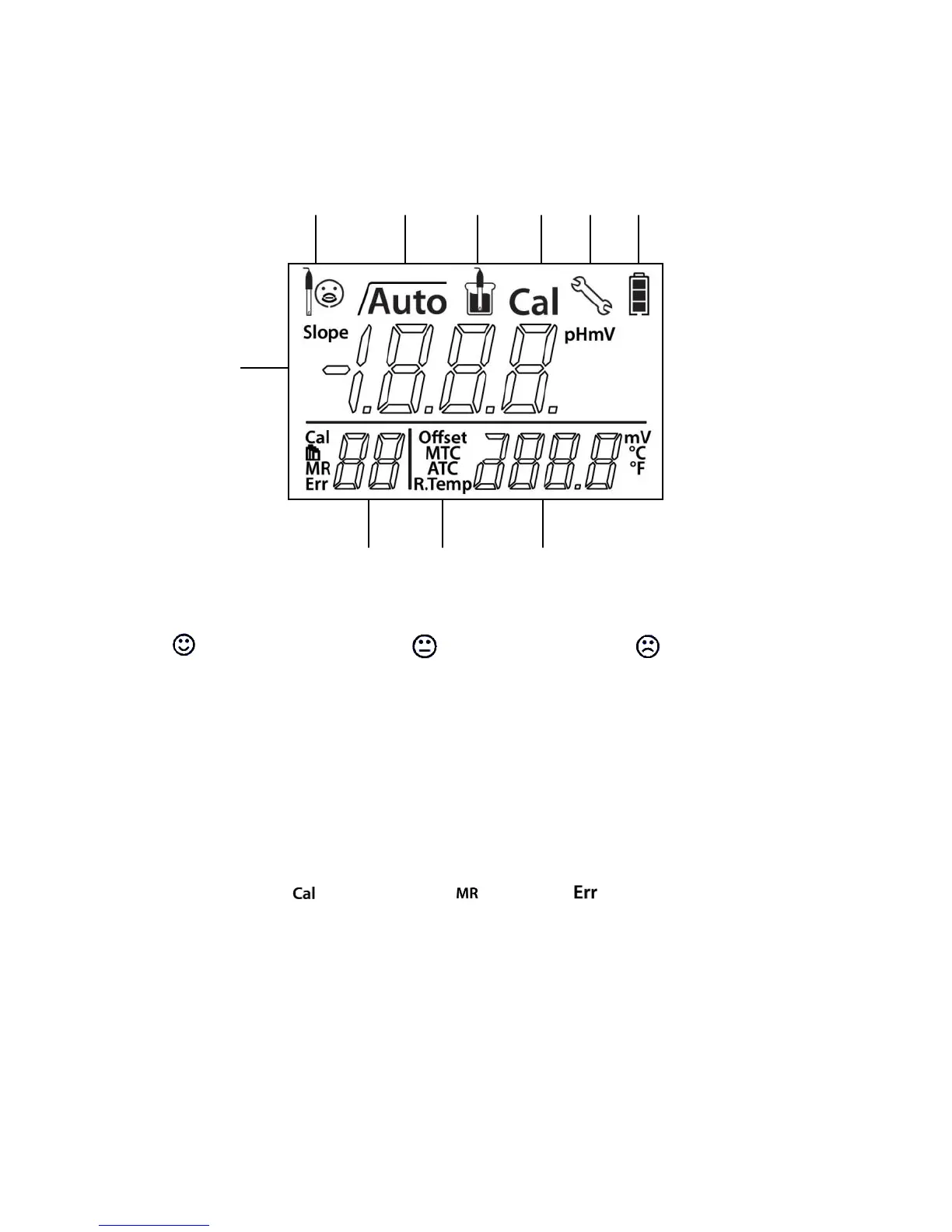
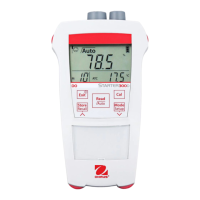
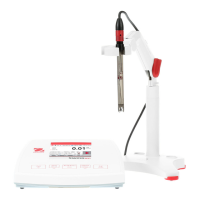
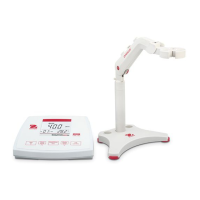
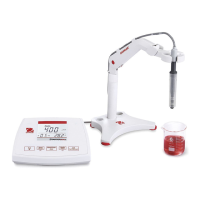
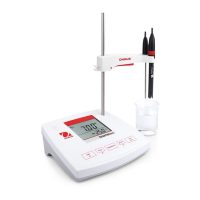
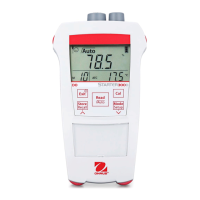
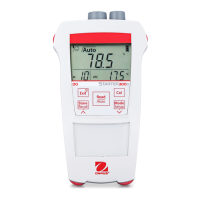
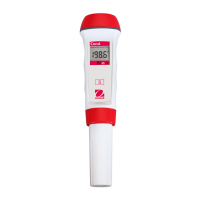
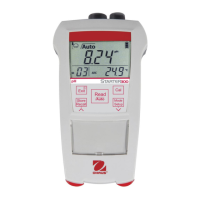
1.2 Display and controls
Displays
Slope: more than 95%
and offset: ± (0-15) mV
Electrode is in very good
condition
Slope: 90-95%
or offset: ± (15-35) mV
Electrode is in good
condition
Slope: less than 90%
or offset: ± (>35) mV
Electrode needs cleaning or
is defective
Endpoint stability / Auto endpoint
Measurement icon - measurement or calibration is running
Calibration icon - calibration in progress
Setup icon - instrument is in the setup mode
Battery status icon shows the condition of the batteries - fully charged, half-charged or fully
discharged
pH/mV reading or slope in calibration process
Calibration point / Memory number / Error index
Auto / Manual temperature compensation (see section 4.4)
Temperature during measurement or offset in calibration process


 To Next Page