OCS SMART _ USER MANUAL _ VERSION 1.00 OJMAR 12
1. Master code.
• WARNING: THE LOCK AND THE APP, BY DEFAULT, COME CONFIGURED
WITH THE MASTER CODE 000000.
FOR SECURITY REASONS, ONCE THE LOCKS ARE INSTALLED, CHANGE
THE MASTER CODE.
• NOTE: For a lock to communicate with the app, they must have the same
master code.
• NOTE: The master code is always 6 digits long.
2. User code length: 4, 5 or 6 digits.
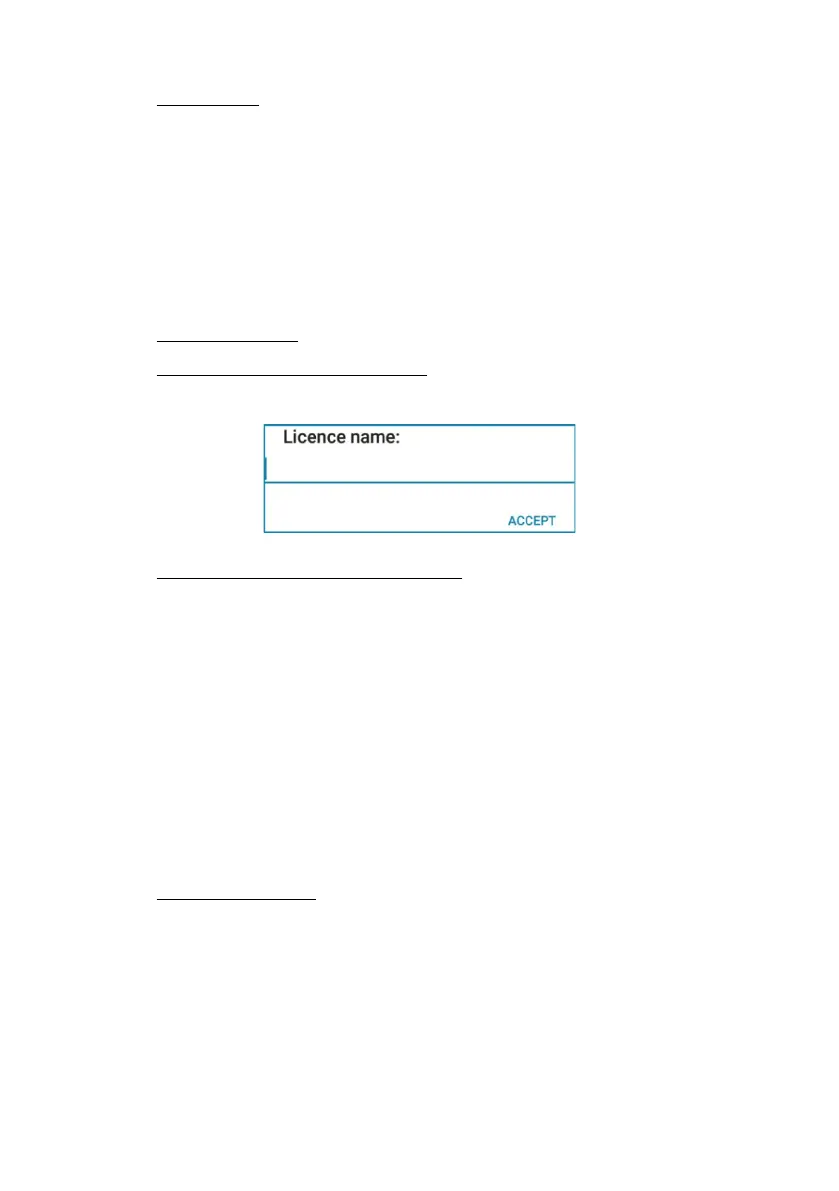
3. Generate a maintenance license: You can select one or more items from
the list. Pressing the ACCEPT button saves the licence.
4. Share maintenance license with staff: Navigate to your Files app where the
licence has been saved and share the file with your staff via whatever mode
of sharing you see fit such as Email, WhatsApp, ect. *Location of the newly
generated file may vary depending on the type of mobile device you are using.
• NOTE: For Android Navigate to your file Manager app. Tap
“Internal Storage.” A new folder called “OCS SMART” will
have been automatically created. Tap the “OCS SMART”
folder and the tap “maintenance” file. Here you will find the
newly created maintenance license to share with staff
• NOTE: For iOS the new license is saved to the “Files” app and
it will be under “Recent”
5. Load New Licence: Allows you to upload a generated license that was
created and shared.



 To Next Page