2_OCS LOCK OJMAR 33
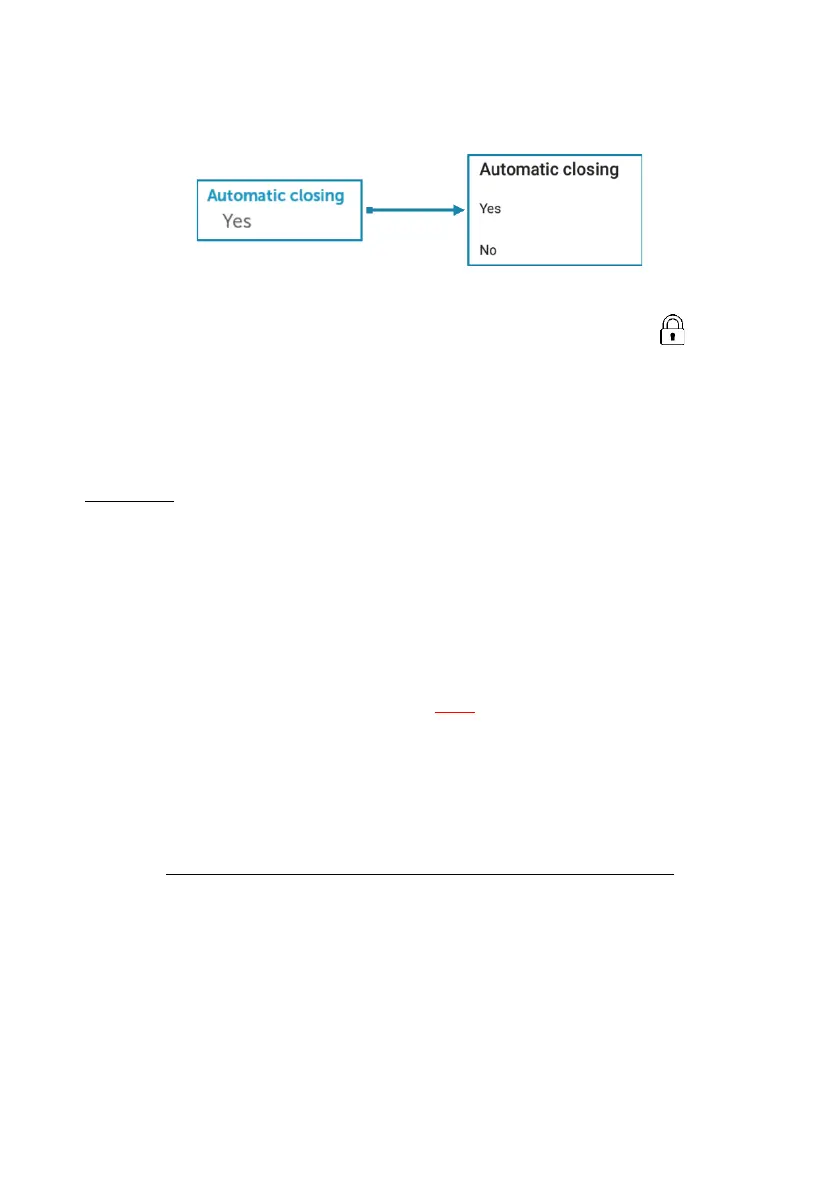
Depending on how the lock has been configured in the OCS configuration section, the
opening sequence may be as follows (see Section 1.4.3 - Automatic closing):
• If automatic closing is active, the lock will close automatically.
• If automatic closing is not active, enter the assigned code and press .
2.4 LOCK CONFIGURATION WITH TOUCH KEYPAD
The lock can be configured using the keypad or the OCS Smart app (see Section 1.4).
The lock factory settings are as follows:
Free mode
• Master code 000000.
• 4 digits.
• LED active when closed (every 2 seconds).
• Buzzer active.
• Keypad lock not active.
• No rental time limit.
• WARNING: The lock must be in the open position to make any changes to its
settings.
2.4.1 CHANGE MASTER CODE
• WARNING: Change the default master code for your security.
The sequence to change the master code is as follows:
‘‘START’’ + MASTER CODE + NEW MASTER CODE + 77 + LOCK



 To Next Page