OCS SMART _ USER MANUAL _ VERSION 1.00 OJMAR 38
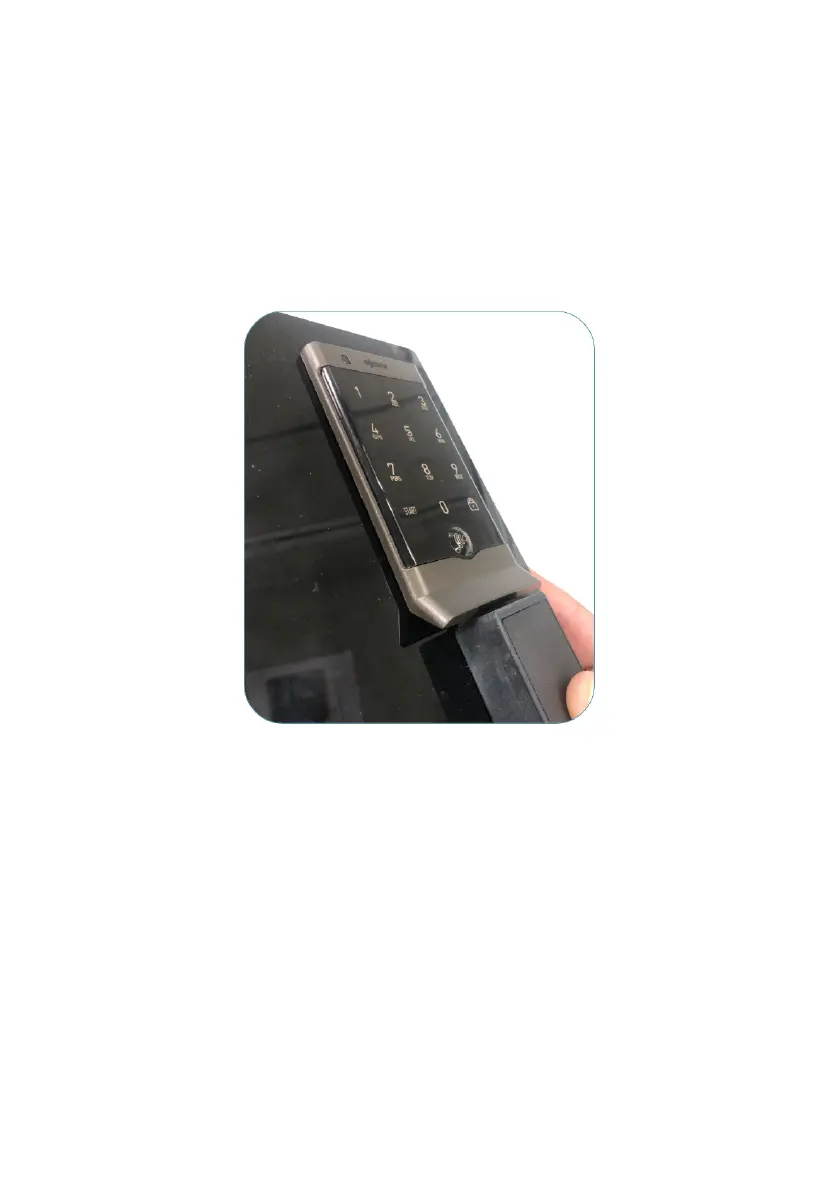
The connection must be done manually so that the ‘‘+’’ pole of the battery is on the
right and the ‘‘- -- ‘‘ on the left. When the emergency is correctly placed in the contacts,
the LED will blink amber and beep 3 times indicating it has enough power for the
lock to operate. Continue to hold the Emergency key in place and use the touch key
pad to unlock the locker.
• NOTE: The emergency opening of OCS locks with a handle must be done with
a special tool. Should this be the case, contact OJMAR Intelligent locking
systems.
Emergency opening



 To Next Page