24 Download, install and activate application
6.2.2 Manual activation
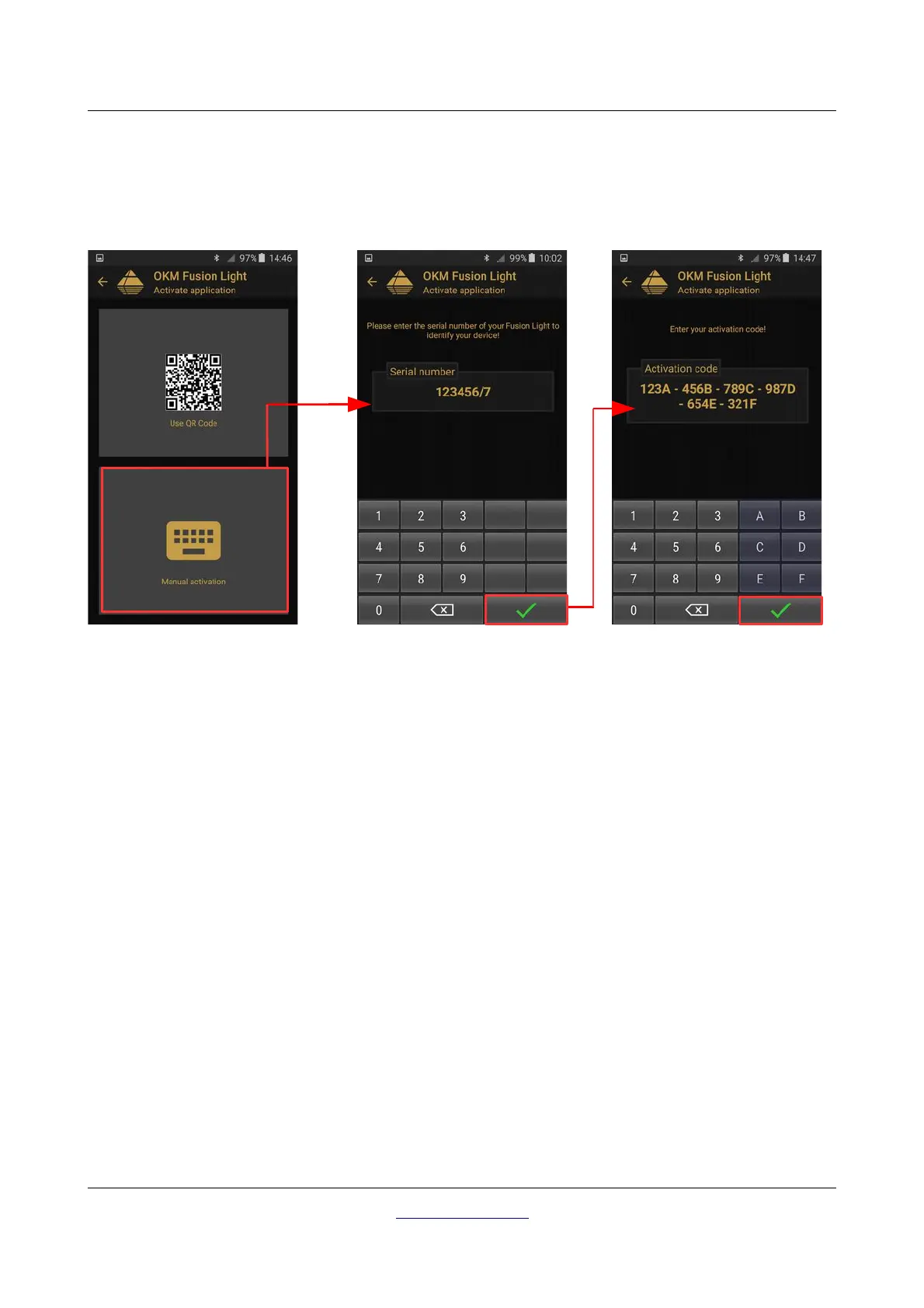
The second way of activating your application is by entering all necessary information manually. First enter
your Fusion Light serial number. Then enter the appropriate activation code. You will get all of the activation
information from your OKM distributor. Safeguard this information for future use.
After entering all the requested information correctly, the activation will succeed and you can use your Fusion
Light. In case you are using a different Fusion Light with this application at a later time, you will have to
change your activation accordingly and repeat the activation process.
OKM GmbH
www.okmdetectors.com



 To Next Page