2-52 d-COLOR MF654/MF554/MF454/MF364/MF304/MF254
Loading paper
2
2.8
Loading index papers
Up to 20 index papers can be loaded into the tray.
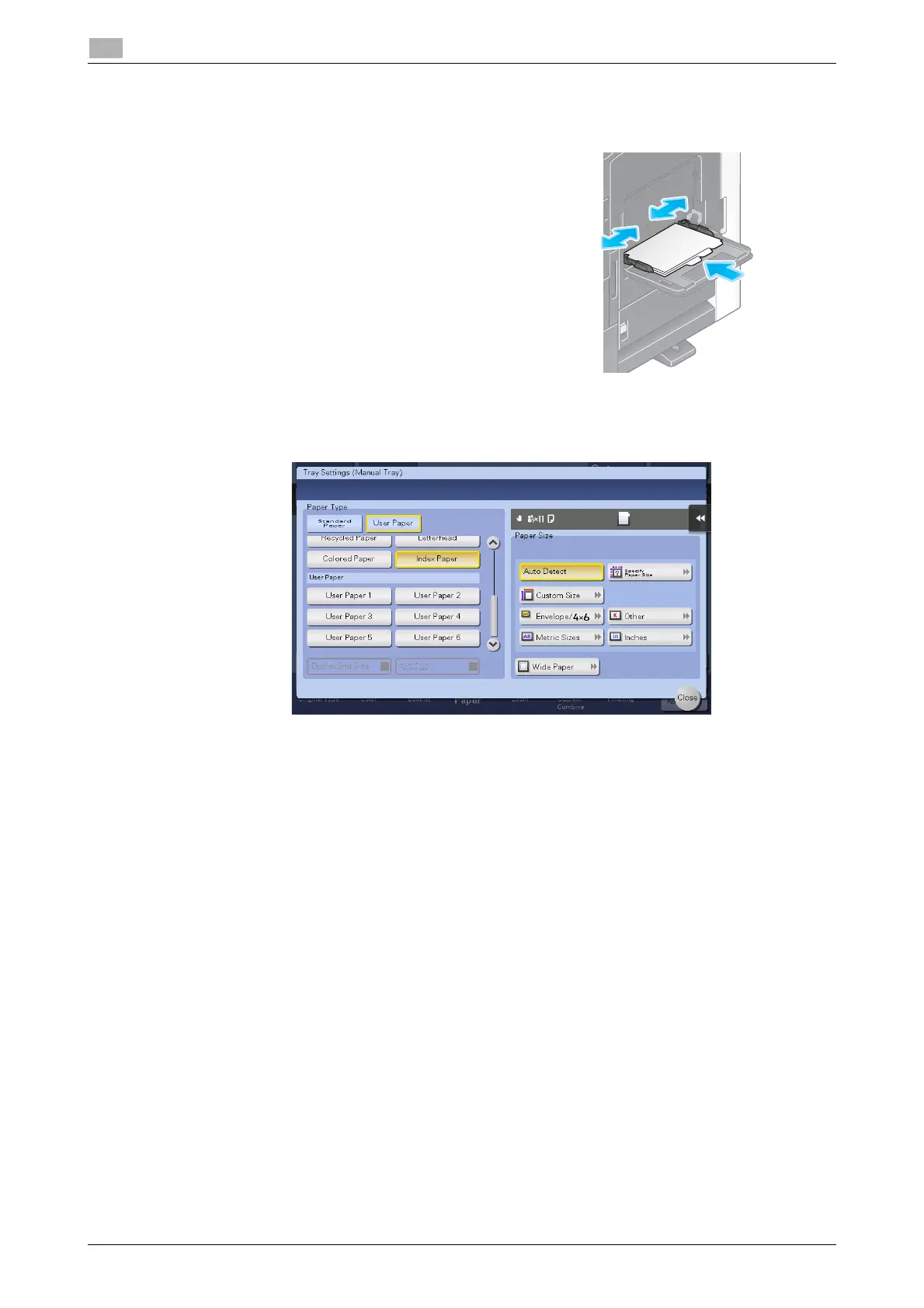
1 Put the tab side in the direction opposite to this machine with
the print side facing down, then align the Lateral Guide to the
paper.
% Insert index papers into the tray until their edges are
pressed against the back.
The screen for selecting the paper type and paper size ap-
pears.
2 Change the paper type setting.
% Select [Index Paper] from [Paper Type].










 To Next Page