d-Color MF2001/MF2501 and d-Copia 253MF/303MF Sales Guide
Internal and confidential publication not to be reproduced without authorisation 28
2.4.2 Colour Adjustment*
ACS (Auto Colour Selection)
This function is used to automatically select the correct mono / colour mode when
scanning mixed mono and colour originals. The new colour series are equipped with
the ACS function as standard (please note that when shipped the default setting is Full
Colour Scan). However, competitor models including the HP ColorLaserJet C6030MFP
and the Oki MC860dtn are not equipped with this function.
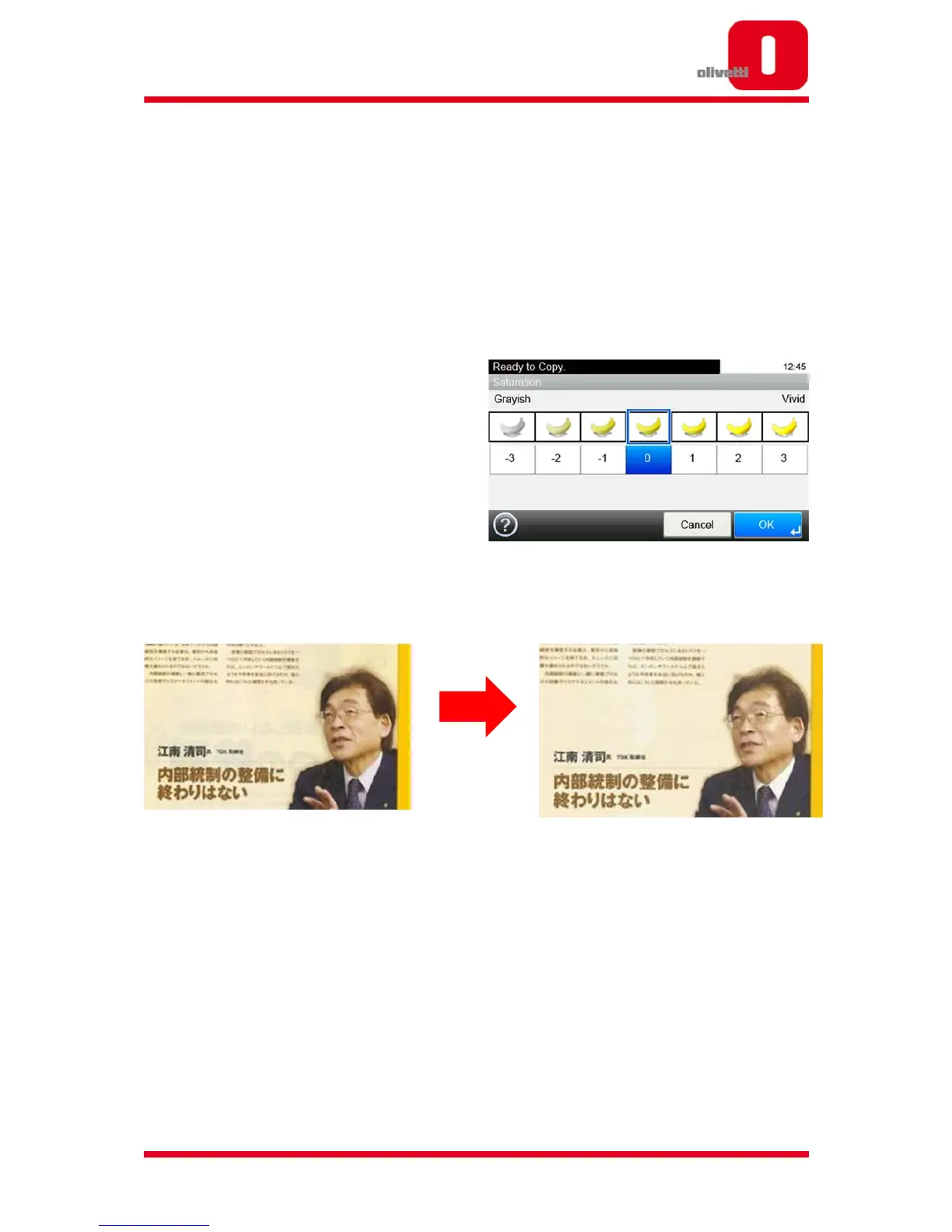
Chroma Adjustment
This series also includes a Chroma Adjust
Function for copy mode, so customers can
reproduce the correct saturation for
reproduction of the desired image.
Background Reduction Function
Using the Background Reduction Function,
unwanted reverse (ghost) images that often appear when copying lighter paper that is
printed on both sides can be reduced.
*For the d-Color MF2001 and d-Color MF2501 only.










 To Next Page