20
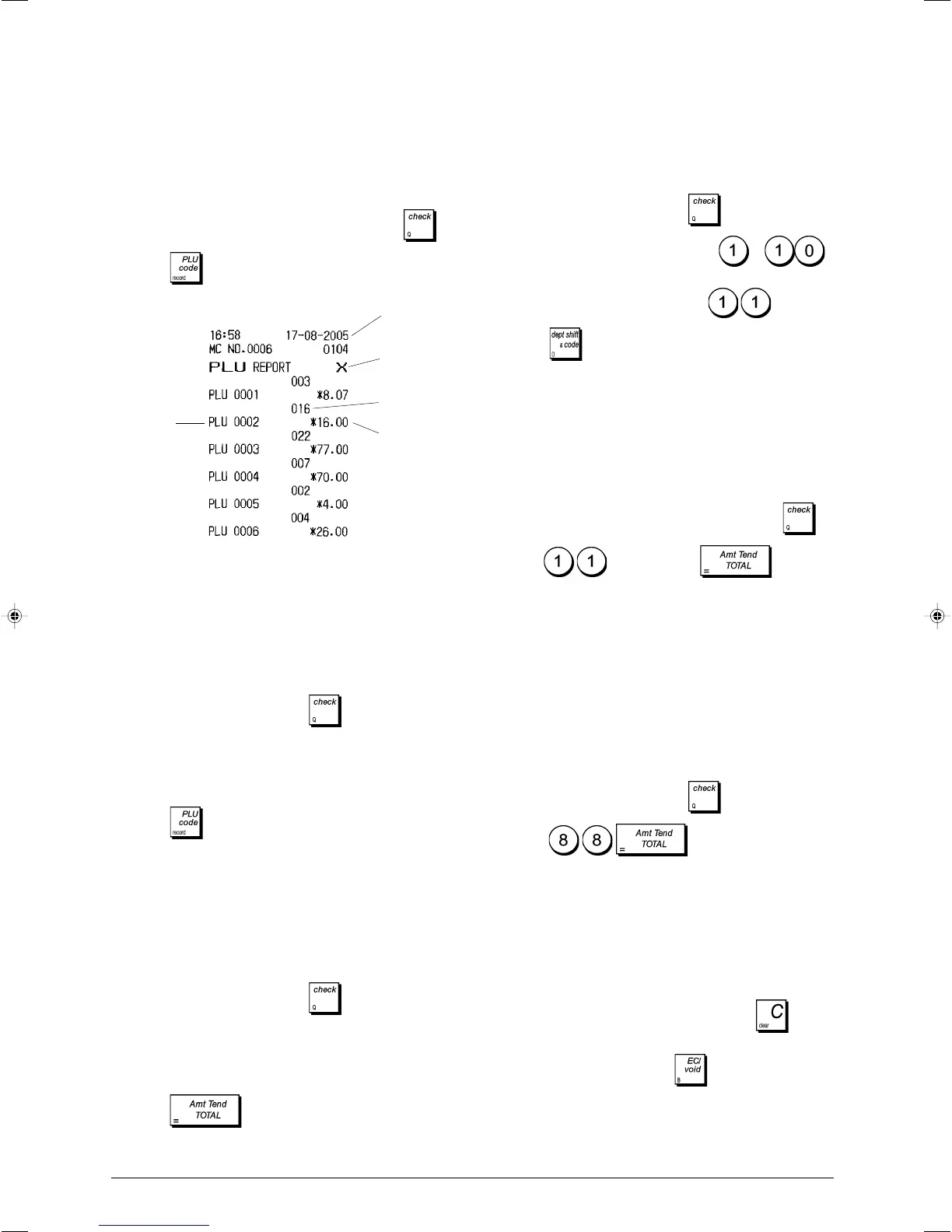
PLU Sales Report
This report provides the number of times a particular PLU is
used, the totals for that number and the sales total for all
PLUs.
1. Control lock key position: X or Z (bear in mind that a Z PLU
Report resets all PLU totals to zero).
2. If a PRG and Z mode, or X mode, manager password was
defined type the [4-digit password] and press
.
3. Press .
PLU Range Sales Report
This report provides the same transaction information as the
PLU Sales Report but pertaining to a defined range of PLUs.
1. Control lock key position: X only.
2. If an X mode manager password was defined, type the
[4-digit password] and press
.
3. Type the PLU number [0001 - 1500] that you want to start
from.
4. Type the PLU number [0001 - 1500] that you want to end
at.
5. Press .
Department Range Sales Report
This report provides the number of transactions performed
by the departments within the defined range, and their related
sales totals.
1. Control lock key position: X only.
2. If an X mode manager password was defined, type the
[4-digit password] and press
.
3. Type the department number [01-99] that you want to
start from.
4. Type the department number [01-99] that you want to end
at.
5. Press .
Department Group Sales Report
This report provides the same information as a Department
range Sales Report, but for all the departments associated to
the defined department group.
1. Control lock key position: X only.
2. If an X mode manager password was defined, type the
[4-digit password] and press
.
3. Type the department group number
to .
To issue a report containing the sales of the departments
of all the department groups, type .
4. Press
.
Time Report
The time report provides the net total sales performed by the
cash register on an hourly basis.
1. Control lock key position: X or Z (bear in mind that a Z time
report resets all time totals to zero).
2. If a PRG and Z mode, or X mode, manager password was
defined type the [4-digit password] and press
.
3. Type
and then press .
Training Report
This report provides an X or Z report of the transactions
performed in the training mode. Like the ordinary X and Z
financial reports, a Z report resets all transaction totals to
zero and provides the same information as an ordinary X or
Z financial report with the exception that the report identifier
is "X0" or "Z0".
1. Control lock key position: X or Z. Bear in mind that in the
Z position the training report contents are cleared.
2. If a training mode password was defined, type the
[4-digit password] and press
.
3. Press
.
Electronic Journal Reports
An electronic journal report executed with the control switch
in the X position does not clear the electronic journal memory
(and therefore all transaction data are retained) while the
report executed with the control switch in the Z position
cancels electronic journal memory thus restoring it to
its maximum 6,400 or 7,200 line capacity programmed.
To momentarily interrupt report printing, press . Press
this key again to resume printing.
To cancel report printing, press .
PLU number
or assigned
name
X report
identifier
PLU sales
total
Date
PLU quantity
sold















 To Next Page