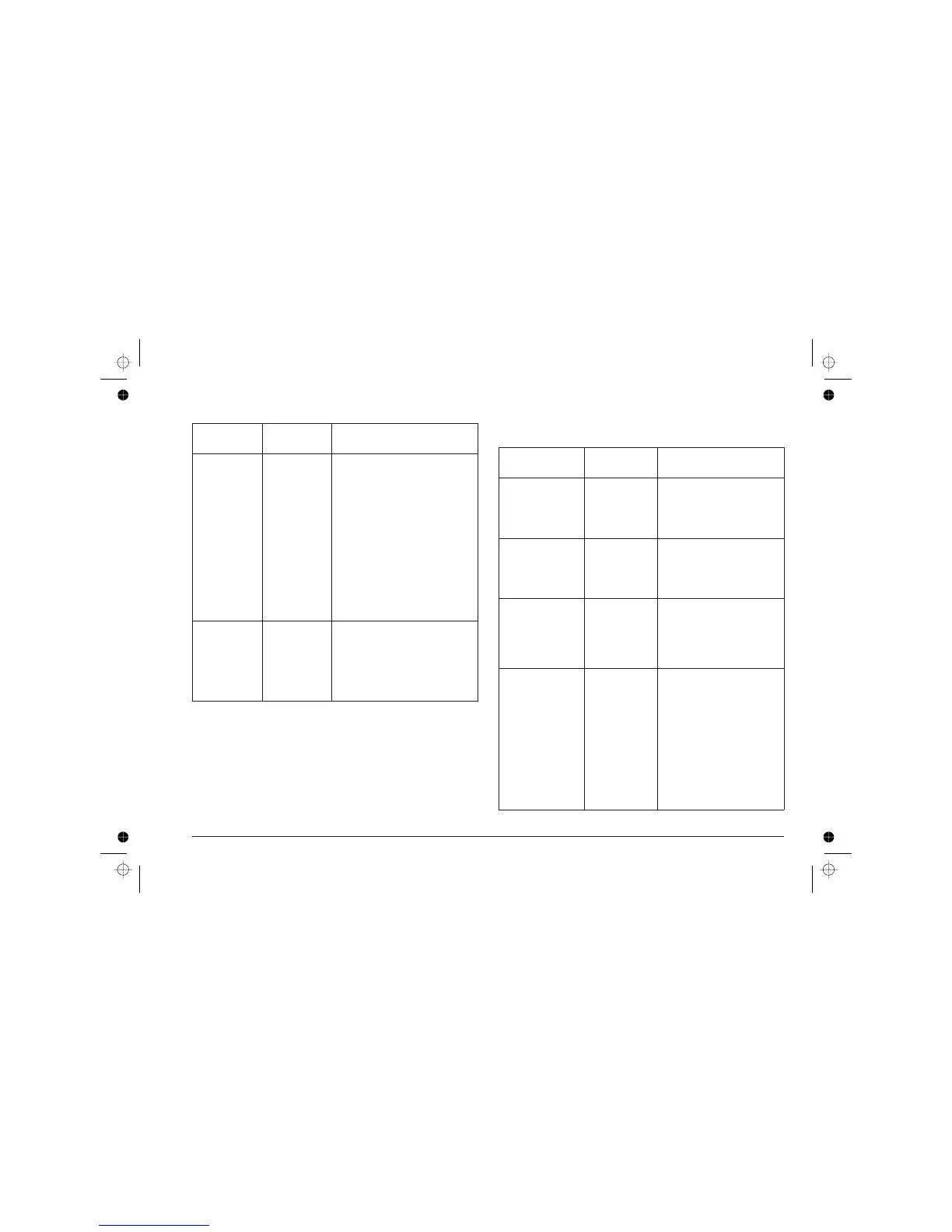
Function Key(s) Indication
Paperload/
eject
FORM FEED
(less than 4 s.)
Ifthereis no paper insertedready
forprinting,causesasheettobe
insertedfromtheASFtothefirst
printposition(TopofForm -
TOF).
If asheetof paperis already
presentintheprinter,causesits
expulsiontotheoutputtray.
If there is no paper in theASFor
theprinter and theFORMFEED
lightindicatorisflashingslowly,
thismeansthatthereisdatato
beprinted. Loadpaperinthe
ASFandpressthiskeyto
continuetheprintingoperation.
Changeprint
head
CARTRIDGE Thefirsttimethiskeyispressed,
theprintheadcarriagemoves
fromitsrestpositiontothe
insertion/removalposition.
Thesecondtimeitispressed,the
printheadcarriagemovesbackto
itsrestposition.
Special key functions
Function Key(s) Indication
Demopage ON LINE and
CARTRIDGE
(morethan4s.)
The“ demo” pageisprinted.
TheONLINElightindicator
flasheswhilethepageis
beingprinted
Paperjam FORM FEED
(morethan4s.)
Pull thejammed pageback
outoftheprinter.
Hold the key
until the paper
is completely free
.
Print test POWER and
CARTRIDGE
With the printer
OFF
,press
the keys simultaneously;
release first POWER then
CARTRIDGE.
The print test is printed.
Battery recharging POWER
(morethan4s.)
The light indicators start
flashing in sequence.
Terminating
battery recharge
The printer returns ON LINE.
Battery pack
discharging (only
NiCd)
ON LINE and
FORM FEED
(morethan4s.)
Causes the rapid discharge
of a NICd battery pack.
Throughout the discharge
operation, the light indicators
continuously light all
together and then go out
one at a time in sequence.
10 User Guide - User Interface












 To Next Page