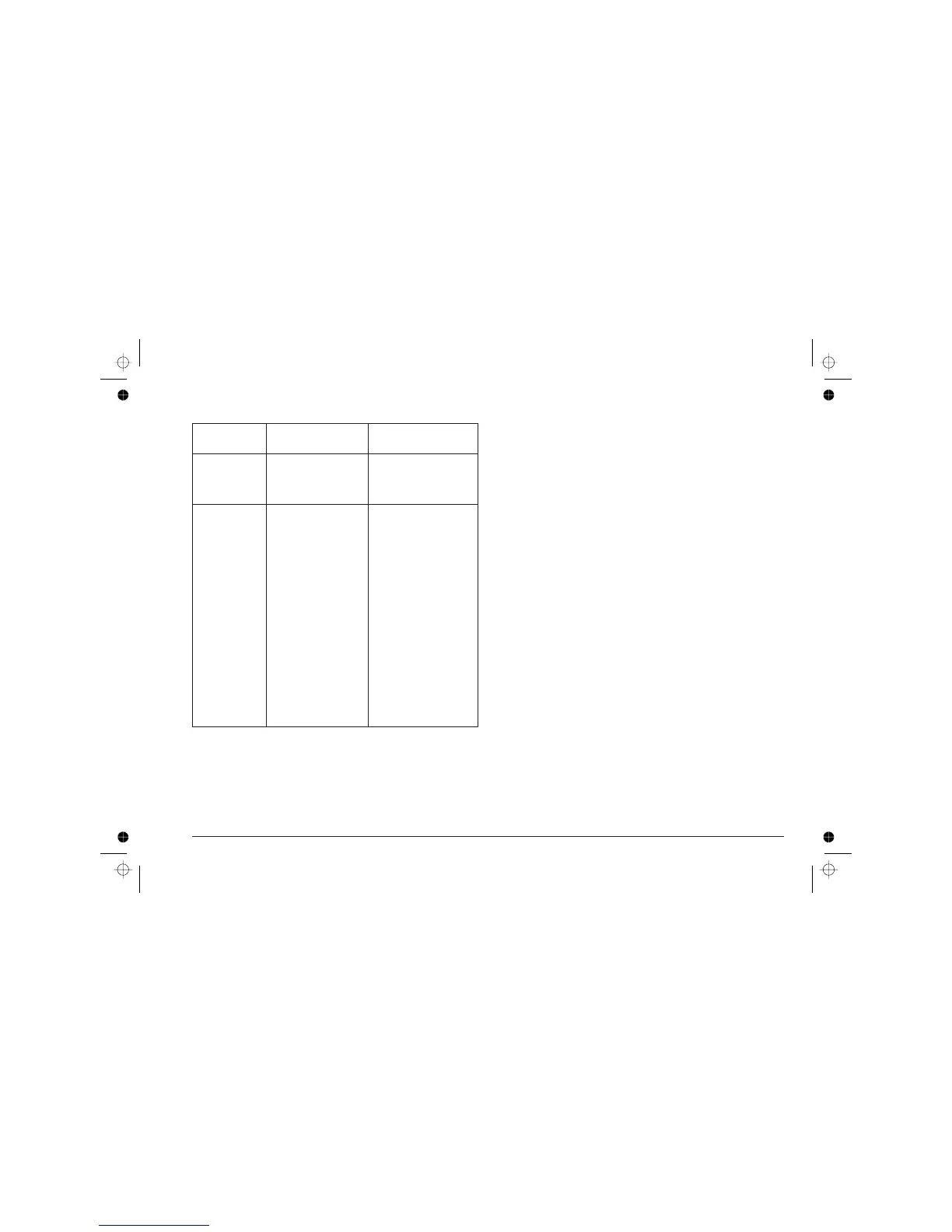
LED Status Indication
CARTRIDGE
(continued)
flashing rapidly Press CARTRIDGE to
move the print head
carriage to the head
loading position.
All four light
indicators
flash once in sequence The printer has been
switched on.
flash three times
simultaneously
Incorrect operator action
(see
Troubleshooting
).
off The printer is in standby
mode, i.e. there has
been no printer/operator
activity within the last 30
seconds.
Press any key to return
to ON LINE mode.
flash continuously in
sequence
The battery pack is
being charged.
light all together and
then go out one at a
time in sequence,
continuously
The NiCd battery pack is
being discharged.
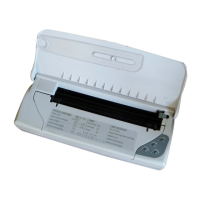
The template on the upper side of the front cover illustrates
some of the light indicator functions indicated in the above
table.
12 User Guide - User Interface












 To Next Page