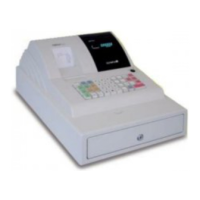
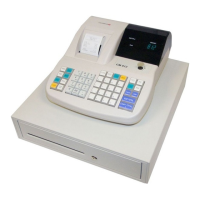
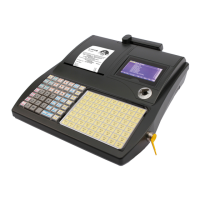
Cash Register CM 75 / 760 / 761 / 762
Olympia
2010 Page 22 Specifications subject to change without notice!
6 Clerk System
The default setting for the clerk system is deactivated (refer to System Option 8).
6.1 Activating the clerk system
Input Display Confirm by pressing
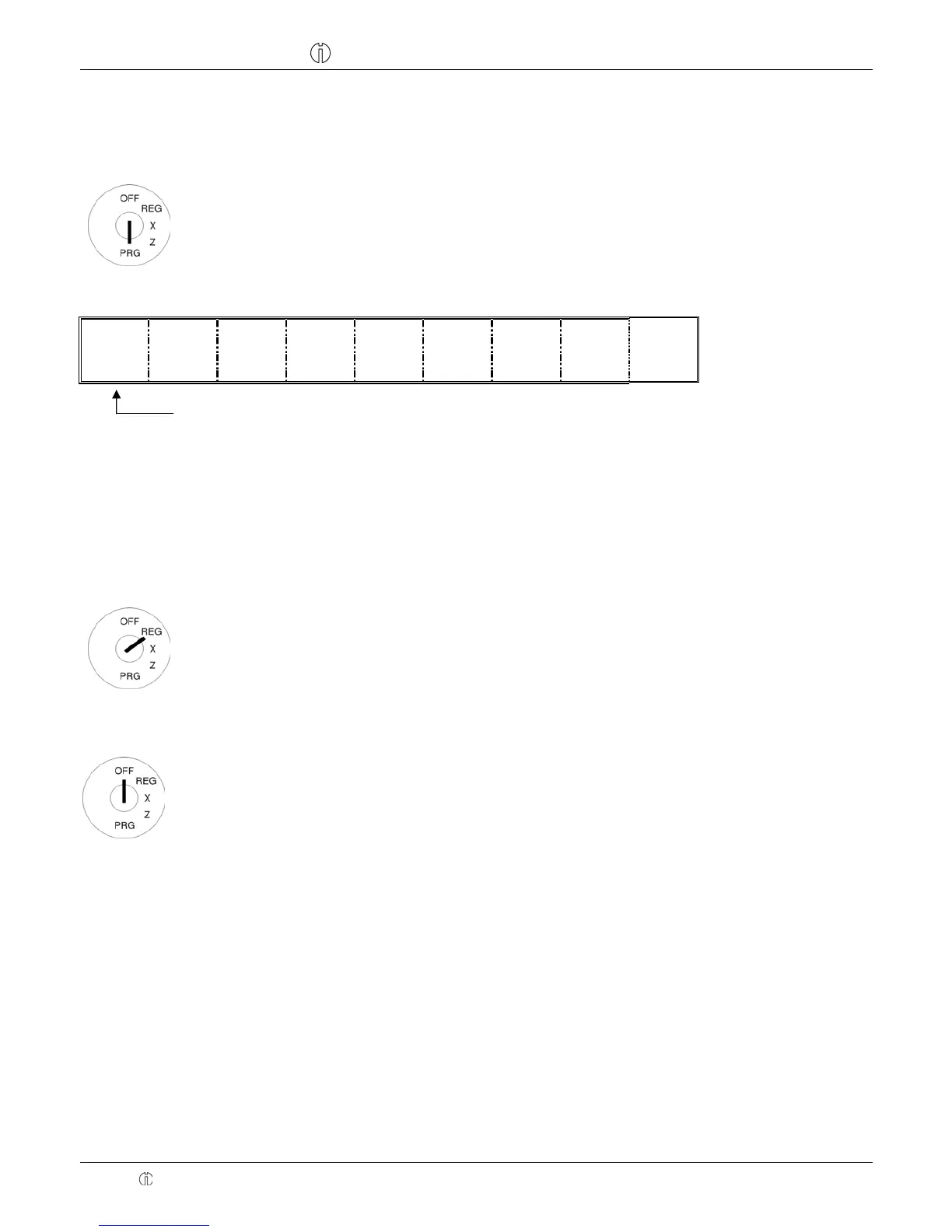
● Set the key to PRG
● Press 8 and 1 .
● Confirm by pressing RA .
0,81
!
When the clerk system is activated, a dot appears in the display:
.
0. 0 0
Clerk system active
6.2 Clerk system without a password
Condition: The clerk system is activated.
If no password has been programmed for a clerk, that clerk logs on at the cash register with his clerk number.
6.2.1 Clerk log-on with clerk number
Note: A maximum of 8 clerks can be registered in the system.
Example: Clerk no. 6 logs on.
Input Display Confirm by pressing
● Set the key to REG
● Enter the 1-digit clerk number
● Confirm by pressing CLERK
!
0,06
!
6.2.2 Clerk logs off
Example: A salesperson logs off.
● Set the key to OFF
Note: System option 9 can be configured so that a clerk must log on again after each registration which is
completed.
6.3 Clerk system with password
It is possible to protect clerk log on codes by means of a password.
In this case, clerks log on by entering their respective clerk number and an additional password. The password is a 3-digit
code (000 to 999). The clerk number and password thus comprise the 4-digit clerk code.


 To Next Page