Cash Register CM 75 / 760 / 761 / 762
Olympia
2010 Page 32 Specifications subject to change without notice!
7.14 Printing a receipt on/off
Input
● Press Receipt ON/OFF
!
Note: If the print receipt function is switched off, a dot lights up in the display at the 2nd position.
7.15 Printing a copy of the receipt
If the receipt printing function has been switched off via the Receipt ON/OFF key, a copy of the last receipt can be
printed later.
Input
● Press Receipt ISSUE
!
8 Training Mode
You can set the cash register to Training mode to practice using it without the registration processes and transactions
being transferred to the report memory.
8.1 Activating Training mode
Input Display Confirm by pressing
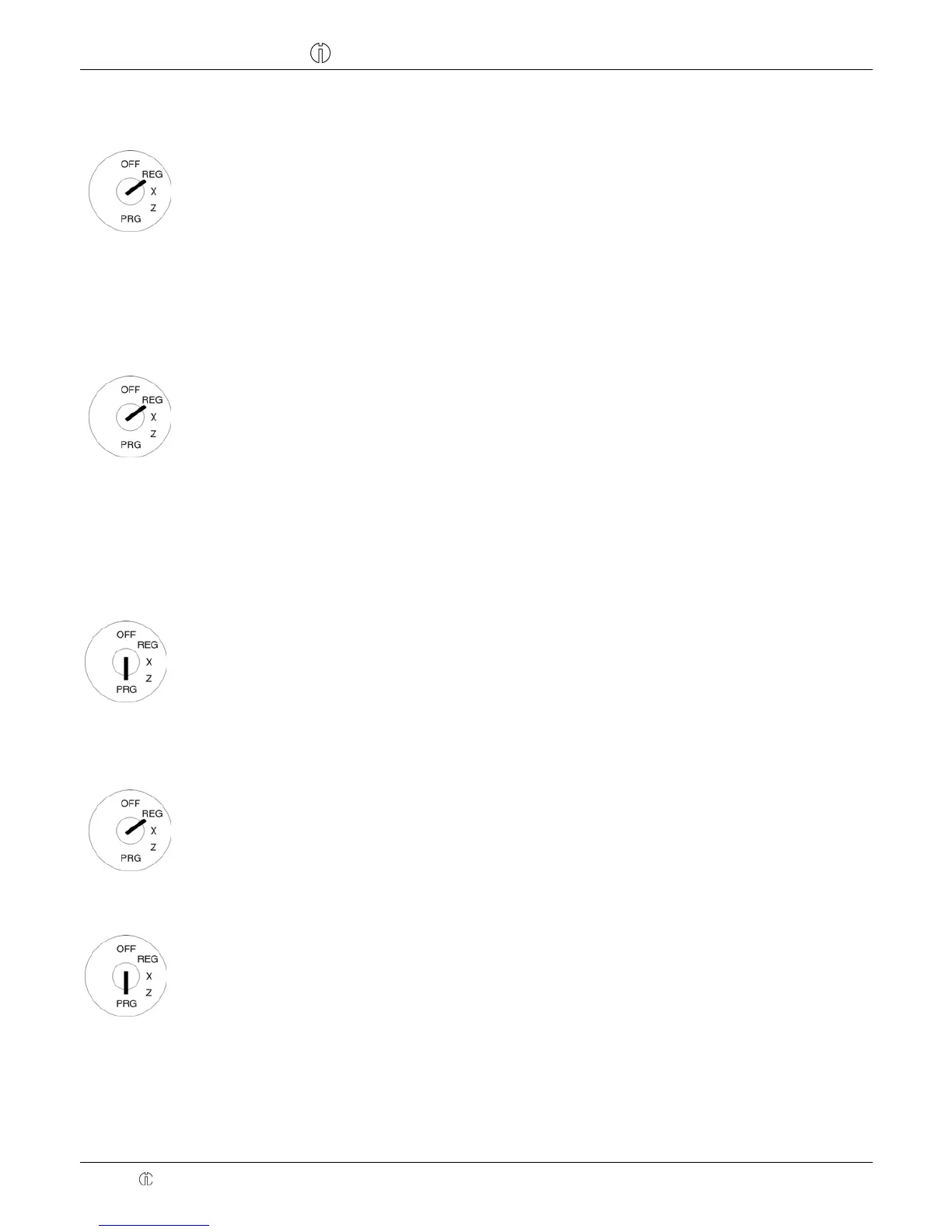
● Set the key to PRG
● Press 6 6 times
● Confirm by pressing CASH
!
!
6666,66
Note: If Training mode is activated, a dot lights up in the display at the 6th position.
8.2 Practising in Training mode
● Set the key to REG
● Practise operations using the cash register (refer to Chap. 10)
Note: No reports can be printed in Training mode.
8.3 Deactivating Training mode
Input Display Confirm by pressing
● Set the key to PRG
● Press 5 6 times
● Confirm by pressing CASH
!
!
5555,55


 To Next Page