Cash Register CM 75 / 760 / 761 / 762
Olympia
2010 Page 33 Specifications subject to change without notice!
9 Cash Register Reports
The cash register stores all the department or item-related sales transactions. Sums received on account, paid out,
payments made in cash, by EC cards, on credit or in foreign currencies are stored and totalled. Similarly, opening the
drawer for no sale requirements, refunds, discounts and corrections/voids are also stored. This data can be printed out in
various ways in cash register reports.
9.1 Basic information
Cash register reports can be printed as X or Z-reports.
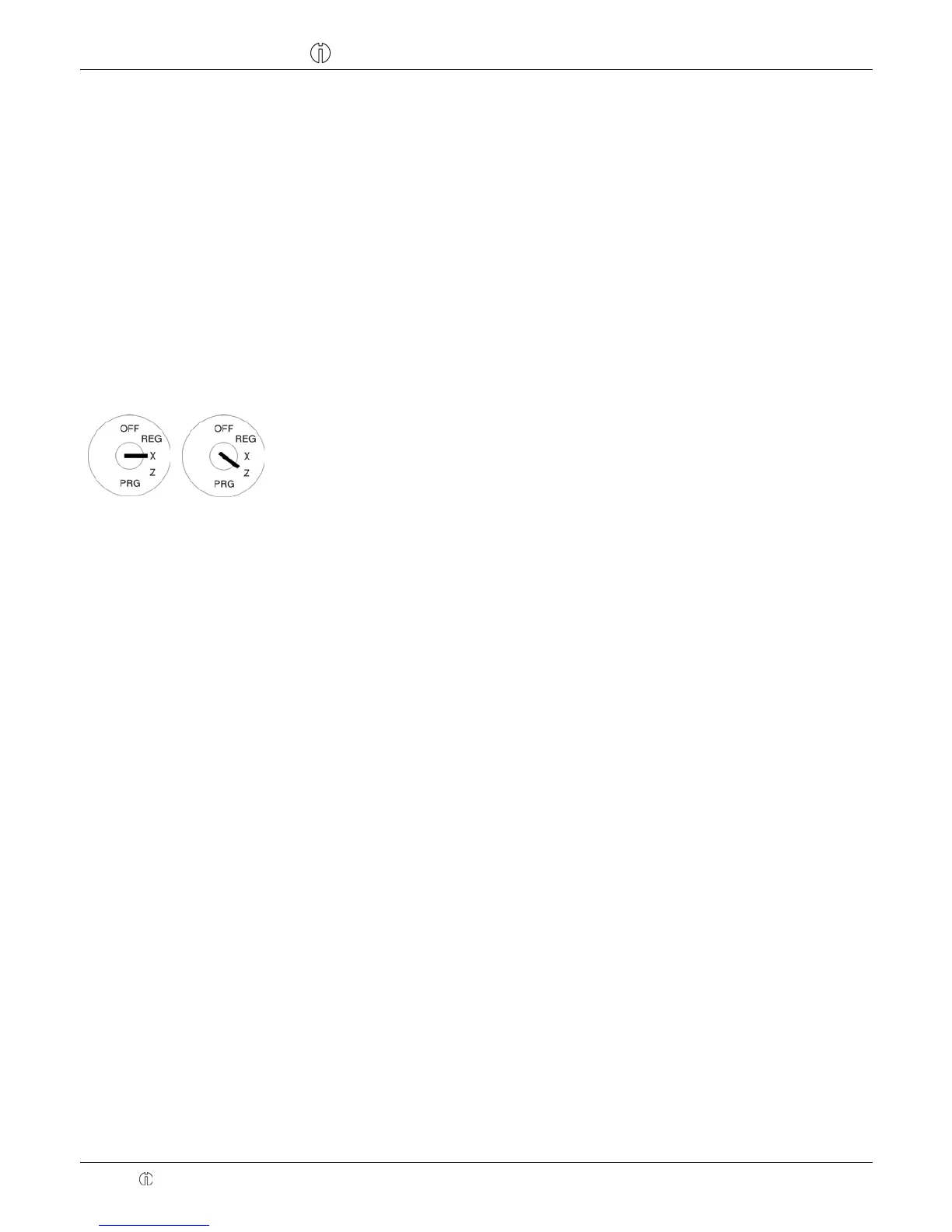
● X-reports are intermediate reports which can be printed out several times because the respective memory is not
deleted after printing such reports. The key switch must be set to position X to print X-reports.
● Z-reports must be kept for the revenue authorities. When a Z-report is printed, the respective memory is deleted,
which means that the grand total is reset to zero. Therefore, Z-reports can only be printed once. The key switch must
be set to position Z to print Z-reports.
9.2 Overview of cash register reports
Type of report Print by pressing
X1 Z1 Day's financial report
!
X Z PLU report, day
!
X Z Clerk report
!
X2 Z2 Monthly financial report
!
X Z Training report
!



 To Next Page