Cash Register CM 75 / 760 / 761 / 762
Olympia
2010 Page 35 Specifications subject to change without notice!
10 Eliminating Problems
10.1 Error messages in the display
Error messages appear in the display in the case of incorrect operation.
Error message Cause Corrective measure
E
Wrong key pressed.
Press CLR / CLEAR to clear error message. Then press
the correct key.
SEC_CodE
A password has been
programmed for clerk log-on.
Enter the 1-digit clerk number and 3-digit clerk password.
Conclude by pressing CLERK .
10.2 Display indicators
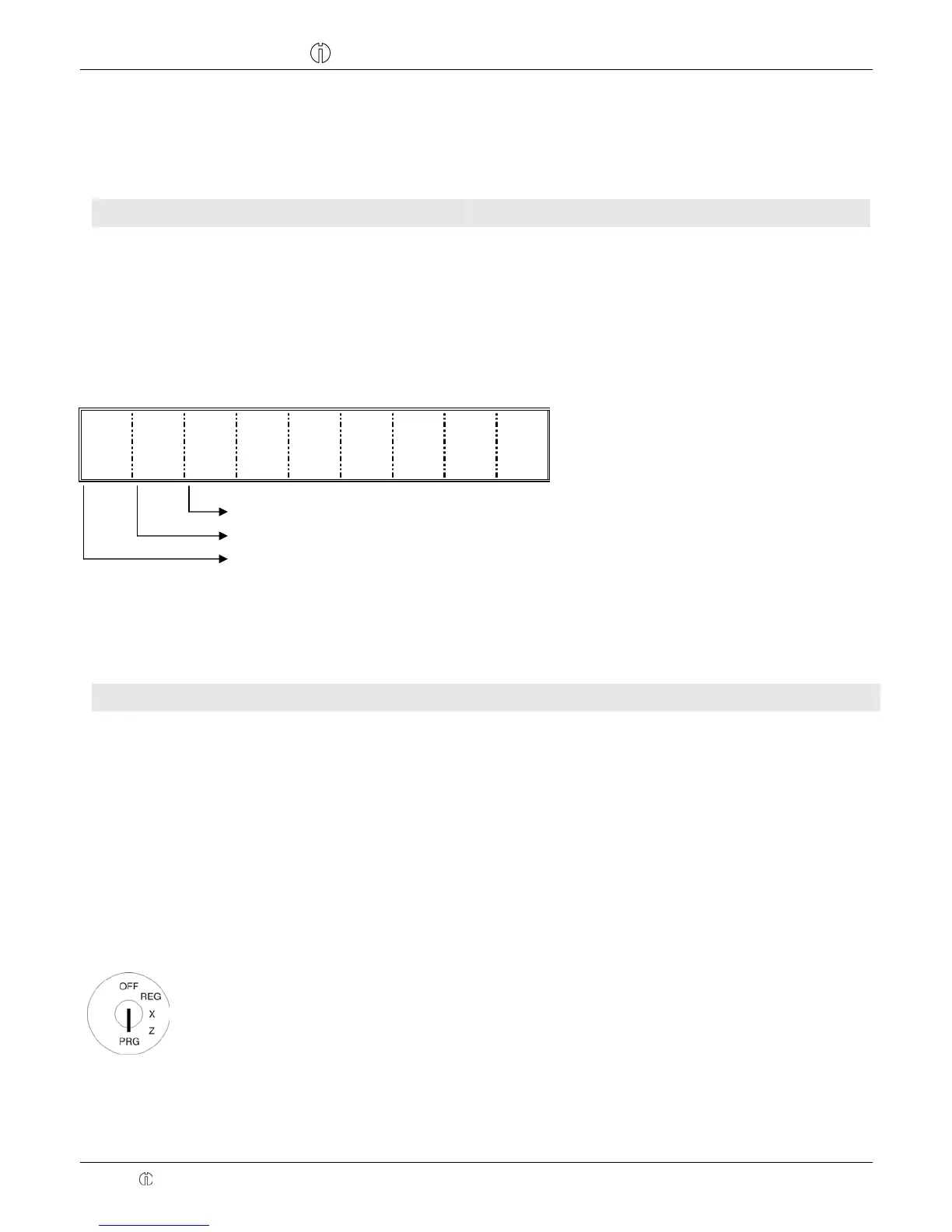
The activation or deactivation of certain functions is indicated in the display by the respective dot.
・
・
・
Training mode is activated (refer to Chap. 8)
Receipt printing is deactivated (refer to Chap. 7.14)
Clerk system is activated (refer to Chap. 6)
10.3 Printer malfunction
In the event of a printer malfunction, switch off the cash register immediately and disconnect the power plug from the
power socket.
Possible cause Corrective measure
The paper roll is not inserted correctly. Insert the paper roll again.
There is a foreign body in the printer
mechanism.
Remove any foreign bodies.
Attention: Remove the foreign body very carefully. Do not use a
knife, screwdriver or anything similar. Never use force.
This could damage the printer mechanism.
Switch the cash register on again and complete a registration. If the printer error continues to occur, contact the service
centre.
10.4 Resetting the cash register to its default settings
Attention: This operation resets the cash register to its default status and deletes all the programmed settings,
cash register reports and report memories!
Input Display Confirm by pressing
* /
● Set the key to PRG
● Press CLR / CLEAR
● Enter the following sequence
of digits: 9 5 1 7
● Confirm by pressing RA



 To Next Page