Icon Signicance
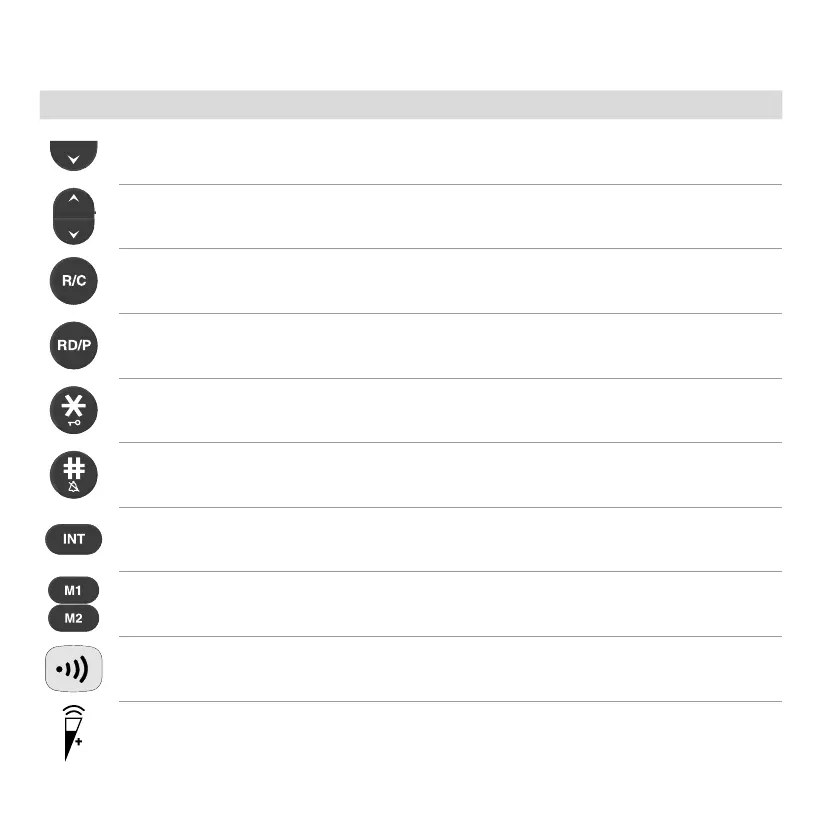
(during a call) Lower the call volume
(on the start screen) View the last outgoing call made
(in the menu) Navigate in the menu
Delete entries or characters
Enter a dialling pause / Redial the last number dialled
Switch the key lock on/off / Star
(keep pressed) Activate muting / Hash
Make an internal call / Forward a call / Conference call
Call a favourite
(on the base station) Page the handset / Register a handset
Volume boost



 To Next Page